


Attention all long-standing Twitter community members! If you’re a fan of Twitter’s Two-Factor Authentication (2FA) but haven’t subscribed to Twitter Blue, brace yourselves for some changes. In the wake of Elon Musk’s acquisition of Twitter, the platform has undergone several modifications, but unfortunately, not all of them have been positive.
In fact, there’s been a recent development that has caused quite a stir. Effective March 19, 2023, users who didn’t upgrade to Twitter Blue were deprived of using Twitter’s native 2FA feature. It’s hard to believe, but yes, this policy change is as absurd as it sounds.
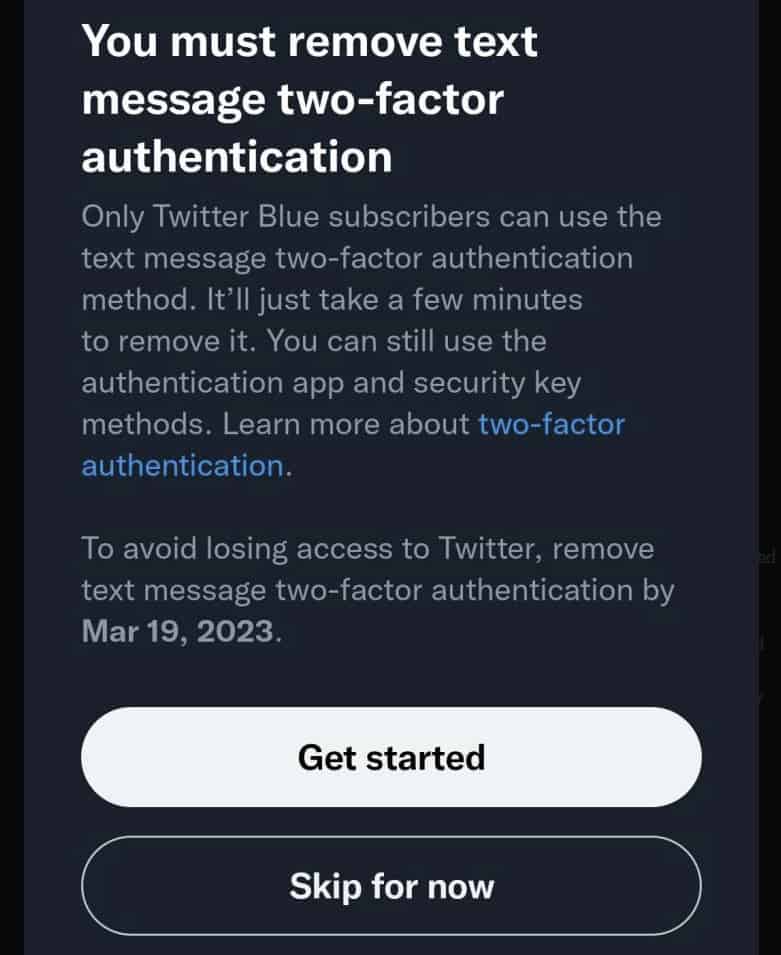
That’s right. Twitter is now charging for securing your Twitter account. Something that should be free if Twitter wants to ensure that everyone on its service remains safe. But I suppose keeping people safe is the last thing on Elon Musk’s mind. It’s the almighty dollar.
What doesn’t make sense is if you fail to remove it by March 19, 2023, you’ll lose access to your account. Why wouldn’t Twitter disable it for you?
This doesn’t fly with me, and it shouldn’t fly with anyone. Basic security needs should be the right of anyone who’s on Twitter. So, I’m going to show you how to secure your Twitter account for free. All while giving Elon Musk the finger and not your money.
How to keep your Twitter account secure for free
Besides paying for Twitter Blue, which is completely up to you, there is another way to keep your Twitter account safe without paying. That being using Google Authenticator. The downside to this is that you’ll need to have access to a smartphone. Everyone has one of those these days, right?
To get started, you’ll need to head to either the App Store for iOS and Apple Devices or Google Play for Android. Once you’ve downloaded and installed it, head over to your Twitter account on your smartphone, and access the “Security and Account Settings,” or this link on your desktop or laptop.
Once there, click on the “Security” link, and then “Two-factor authentication.”
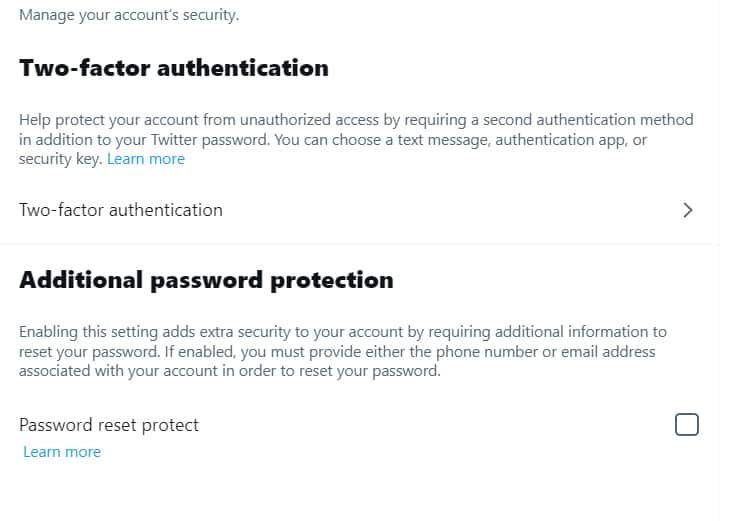
You’ll see a screen like the image below. Click on “Get started.”
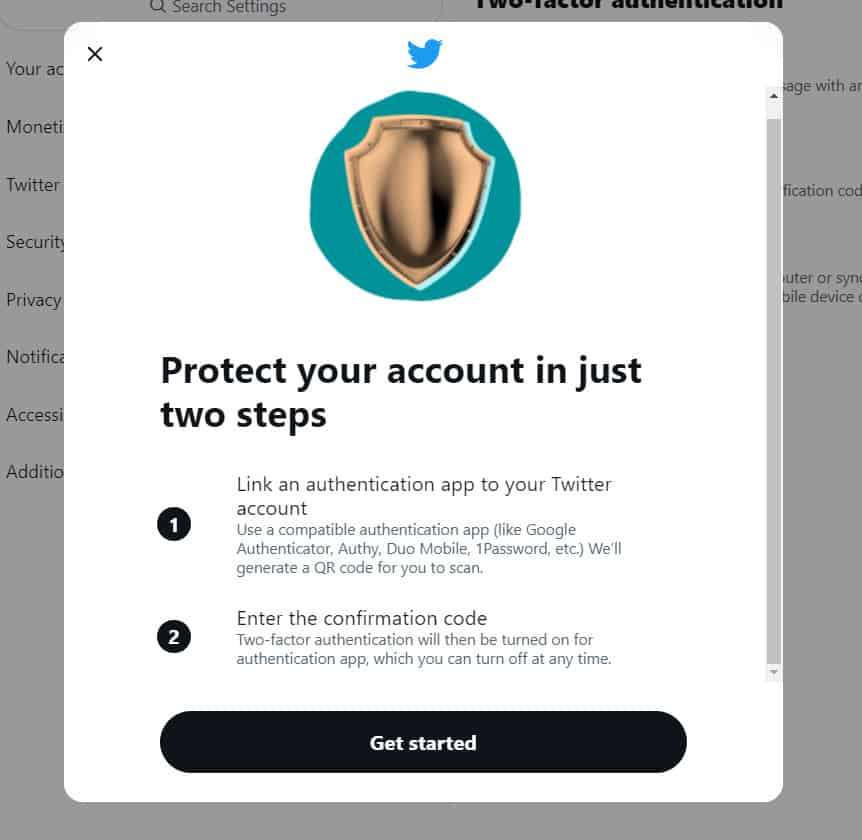
A QR code will appear on your screen that you’ll need to scan with the Google Authenticator app on your smartphone. If you cannot scan the QR Code or if you’re doing this from your desktop or laptop, clicking “Can’t scan the QR code?” will provide you with a code you can manually enter in the Google Authenticator.
Once you do that, you’ll see Twitter appear in the Google Authenticator. You’ll have to enter the code that the authenticator will provide you into Twitter. This code changes every 30 seconds.
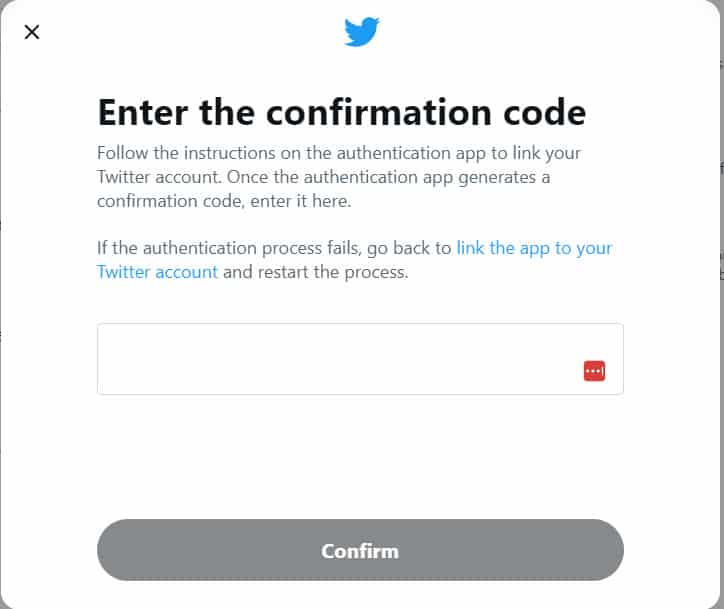
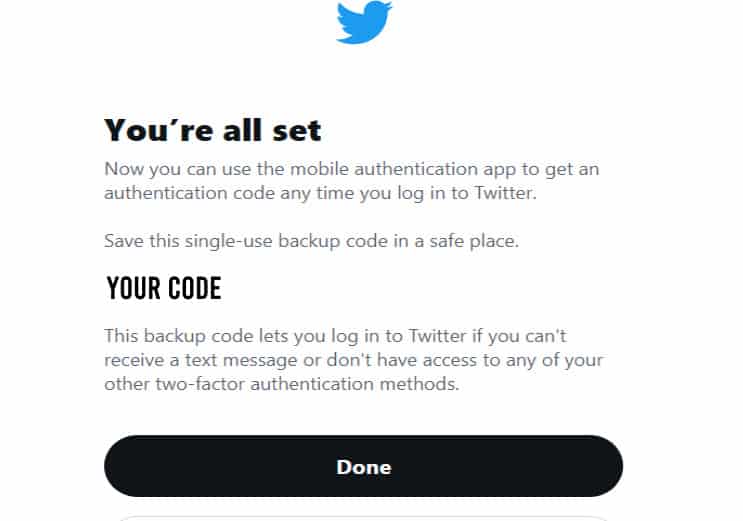
With that done, you’re officially finished. You have linked your Twitter account with Google Authenticator. You’ll also be provided with a single-use code that will get you back into your account if you lose access to your Google Authenticator. Like if your phone gets stolen, if it gets wiped, or any other unfortunate event.
PUT THIS CODE AWAY! PUT IT SOMEWHERE SAFE! The caps are to stress how important this is. If you lose this code, you will not be able to get back into your account. Not unless Twitter finds it in its heart to help you.
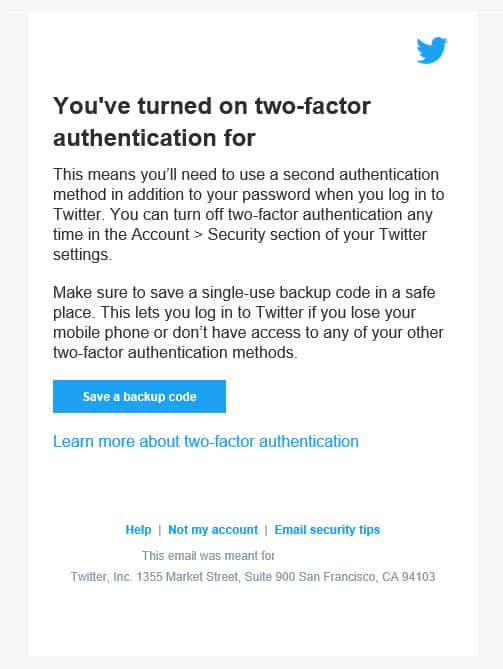
You’ll also receive an email telling you that you’ve enabled Two-factor Authentication.
After completing this, you’ll have secured your Twitter account, without paying for Twitter Blue. Now, that’s not to say that Twitter Blue doesn’t have its benefits, but paying for security to protect your account should be free to everyone. That’s something I’ll never back down on.
Twitter. This is a terrible move, and I really hope you reverse this. You’ll be making hundreds, if not thousands of script kiddies and hackers, very happy with this boneheaded change.
