

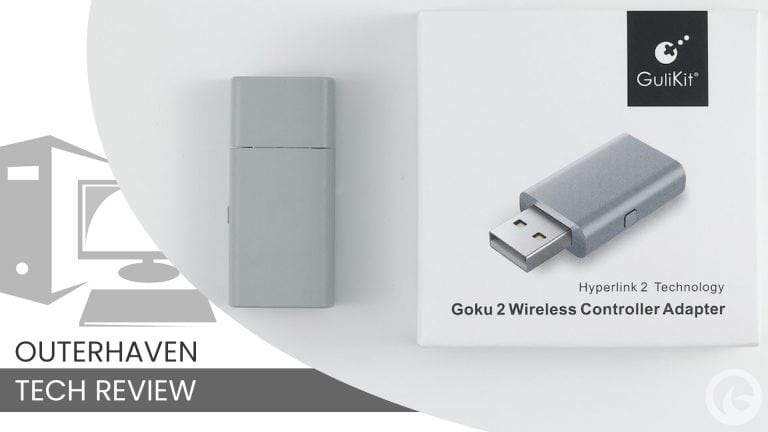
Update: While this adapter does support multiple platforms, such as the PS4, PS5, Xbox One, Xbox Series X and Switch 2, for this review we are testing it for the use of connecting DualSense controller for PC gaming.
The GuliKit Goku 2 Wireless Controller Adapter solves one of the biggest frustrations with using Sony’s DualSense controller on PC: accessing its haptic feedback and adaptive triggers without being tethered by a USB-C cable. And for $20 (Amazon), it delivers the wireless DualSense experience I purchased it for.
Normally, PC players have a few choices. You can connect the DualSense through Bluetooth and lose access to some of its best features, use a USB-C cable and remain tied to your PC, or rely on third-party software such as DualSenseX. There are other workarounds, but most involve more effort than the average PC gamer will want to deal with.
That is where the GuliKit Goku 2 comes in. The wireless adapter supports haptic feedback and adaptive triggers while also promising lower latency than a standard Bluetooth connection, using some of GuliKit’s special brand of magic.
Full DualSense PC Support With A USB Cable
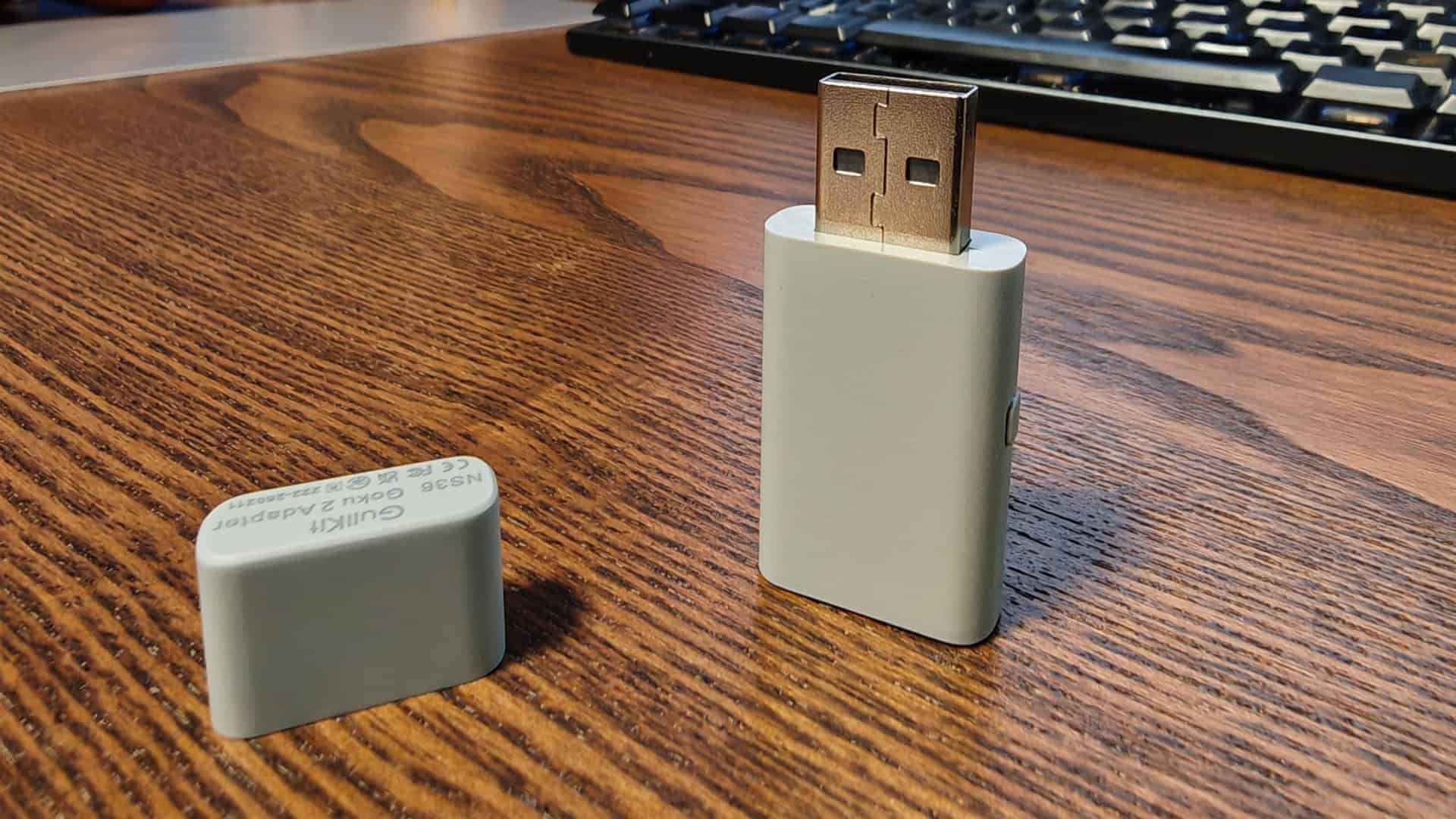
As someone who considers the DualSense one of my favorite controllers, whether I am playing on PlayStation 5 or PC, that immediately caught my attention. I purchased the Goku 2 myself to test with several PC games and see whether it could finally give me the full DualSense experience without the cable.
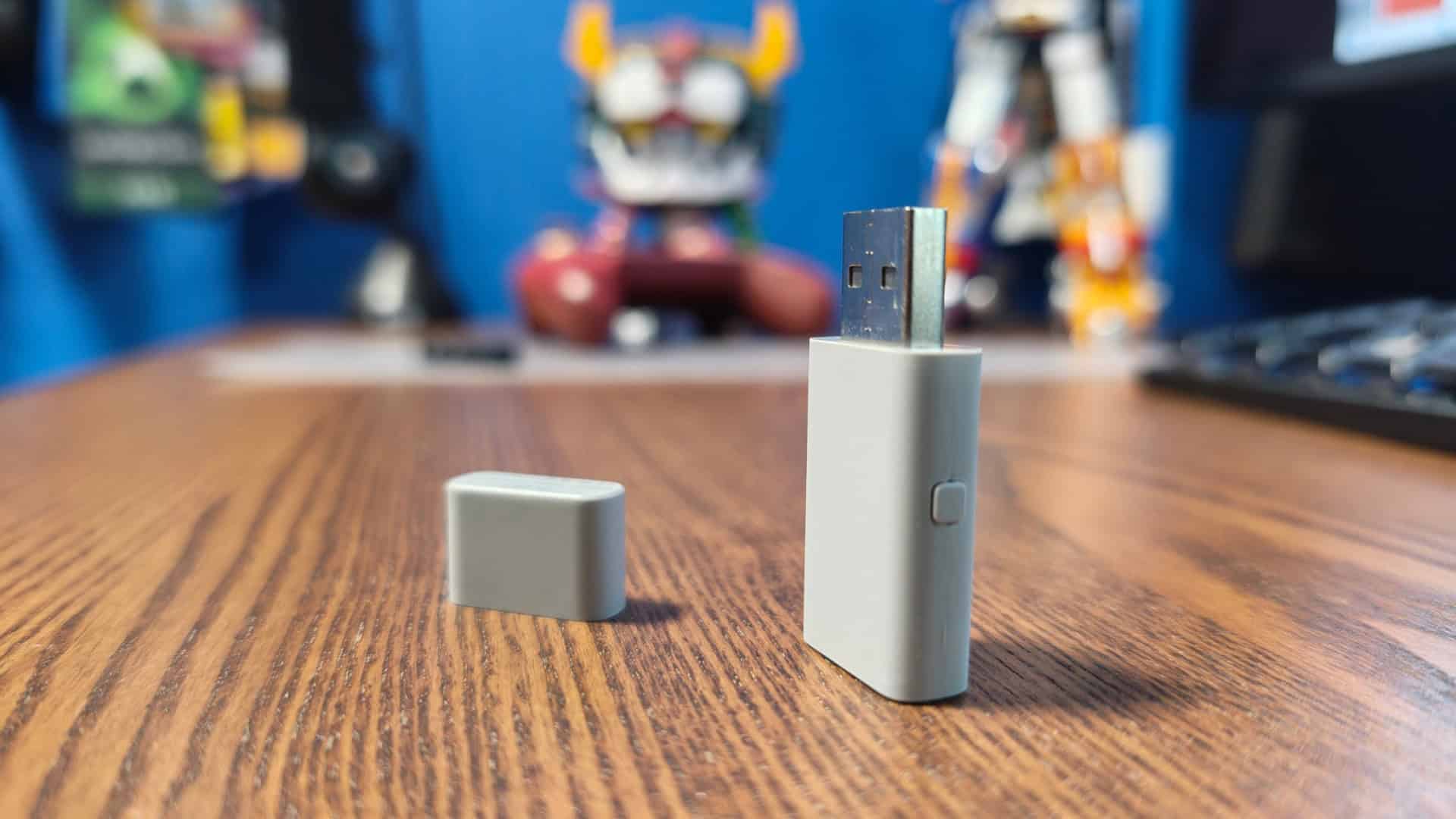
After taking it out of the box and updating it to firmware version 3.1, setting up the Goku 2 was straightforward. All I had to do was plug it into one of my PC’s USB ports and switch it to Native Mode by holding down the button on the side for a few seconds. Once the LED on the adapter turns blue, it is ready to pair with the controller. With the DualSense powered off, hold down the Share and PS buttons to place it into pairing mode, and the adapter should detect and connect to it automatically.
I did my testing (playing) on both my gaming PC with Windows 11, and my Legion Go 2 with Steam OS (3.9) installed. Using this with the Legion Go 2 does look a bit ridiculous, since it is a USB adaptor and the handheld only a USB-C port on the top and bottom. For the game selection, I tested out titles that support the DualSense’s features, including Death Stranding, Returnal, Screamer, The Last of Us Part I, and Marvel’s Spider-Man: Miles Morales. The adaptive triggers responded as expected, adding resistance whenever the game called for it.
This made playing Screamer even more enjoyable, while firing weapons in The Last of Us Part I and Returnal delivered the familiar trigger resistance I had been missing while playing wirelessly. The haptic feedback also worked great, reproducing subtle sensations such as walking across textured surfaces or taking a hit. Once again, Screamer did an excellent job of showcasing what the controller could deliver during my testing.
I did have to disable Steam Input for some games, as it can cause issues with certain titles detecting the controller correctly and displaying the proper button prompts. The controller still worked, but I would rather see the familiar Circle, Cross, Square, and Triangle prompts instead of the X, Y, A, and B prompts commonly displayed in PC games.
Being able to experience those features without a cable brought a smile to my face. Once the firmware was updated, I did not need any companion software or custom drivers. I plugged it in, paired the DualSense, and started playing.
The Goku 2 also allows you to adjust the trigger sensitivity and vibration intensity. Holding down the button on the side of the adapter and pressing left or right changes the trigger sensitivity, while pressing up or down adjusts the vibration strength.
During my testing, I did not experience any disconnects, input drops, or pairing issues. That is important, as having a controller disconnect in the middle of a game is never a pleasant experience.
One DualSense Feature Is Missing
The only real downside is that the Goku 2 does not support the DualSense’s built-in speaker. That is a trivial issue for me, especially since I rarely use the speaker while playing games on PC.
For around $20, the GuliKit Goku 2 Wireless Controller Adapter gives me wireless access to the DualSense features I have been missing without requiring additional software, complicated workarounds, or a USB-C cable running across my desk. It does exactly what I wanted it to do, and for that reason, I am perfectly happy with my purchase.
Outside of that missing feature, the adapter delivers the parts of the DualSense experience that matter most to me. The adaptive triggers work, the haptic feedback works, and I can finally use both features wirelessly without running a USB-C cable across my desk or floor.
Review Disclosure Statement: GuliKit Goku 2 Wireless Controller Adapter was purchased by us for review purposes. For more information on how we review video games and other media/technology, please review our Review Guideline/Scoring Policy.
The GuliKit Goku 2 Wireless Controller Adapter brings DualSense haptic feedback and adaptive triggers to PC over a wireless connection, without making you jump through hoops and works as advertised. And frankly, that’s all I need.
Pros
- Enables haptic feedback and adaptive triggers
- Plug and play, instead of using software
Cons
- Doesn’t support the DualSense speaker
