

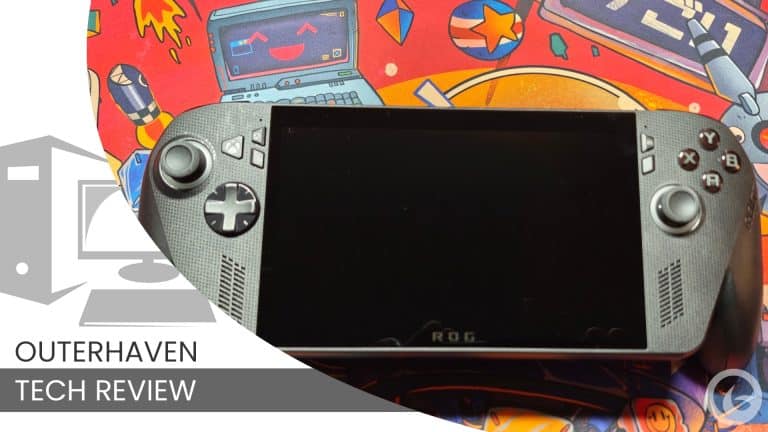
Initially, I had expected the ROG Xbox Ally X to be another Windows handheld that I would test for a few weeks before eventually putting it down. Two months later, I was still using it nearly every day, and that surprised me more than anything else about the device.
I have used other handheld gaming PCs, including the Steam Deck, but the ROG Xbox Ally X fit into my gaming routine in a way I did not expect. My existing Xbox library, Game Pass, and Xbox Play Anywhere gave me hundreds of games that I could immediately download and play without starting over on another platform.
It is not the dedicated Xbox handheld many players have been waiting for. Underneath the Xbox-focused interface, this is still a Windows PC, and some of its biggest frustrations come from that fact. However, when Windows stays out of the way, the ROG Xbox Ally X comes closer to delivering that Xbox handheld experience than anything else I have used.
The First Few Hours Are Still a Pain
The initial setup was a pain, just like setting up any other PC. There were hours of updates, installations, sign-ins, and settings to get through before I could properly use the device. None of it was particularly difficult, but it was tedious and immediately reminded me that this would not be as simple as turning on a console and jumping into a game.
Having previously owned a Steam Deck, I preferred the more plug-and-play setup Valve offers. The Steam Deck is not perfect either, but it does a better job of getting players into the handheld gaming experience quickly. Despite the Xbox branding, the first few hours with the ROG Xbox Ally X still feel like setting up a Windows machine.
Once that setup process was out of the way, however, the ROG Xbox Ally X started to make a much stronger case for itself. The more time I spent inside its Xbox-focused environment, the more the device started to feel like something designed around how I already played games.
Xbox Mode Is the Star of the Show
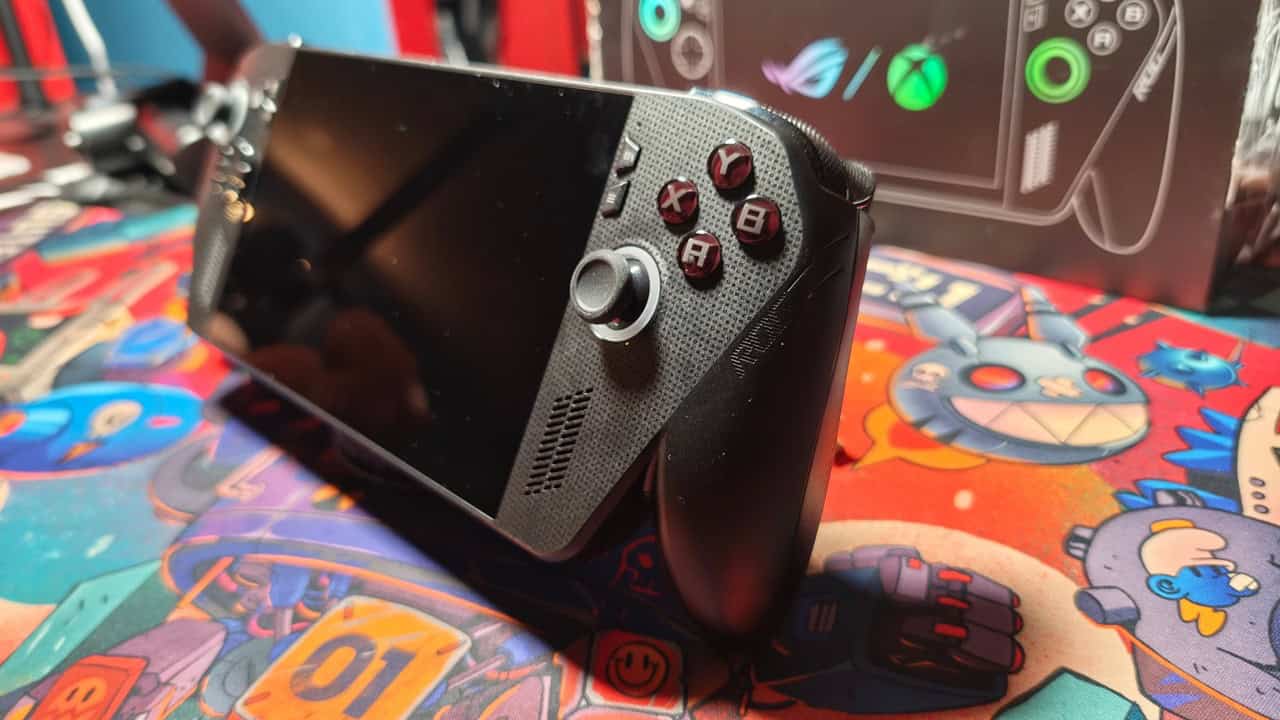
The Xbox Full Screen Experience, or Xbox Mode, is easily the best part of the device when playing titles through the Xbox PC App, including games available through Game Pass. This is the environment that makes the ROG Xbox Ally X feel like an Xbox, even though it is still a PC underneath.
For someone like me, who spent years building a library on Xbox consoles and still subscribes to Game Pass, that immediately made the ROG Xbox Ally X feel valuable. Thanks to Xbox Play Anywhere and Game Pass, I had hundreds of games ready to download without needing to purchase them again through Steam or another storefront.
That is where this device shines. I could turn it on, enter the Xbox interface, browse my existing library, download a game, and start playing without spending much time dealing with Windows. It does not completely hide the PC side of the device, but it gets close enough in those moments to leave a strong impression.
Xbox Mode also gives the ROG Xbox Ally X a clearer identity than most Windows handhelds. It does not feel like another portable PC with a collection of launchers thrown onto it. Instead, it feels like a device built primarily for players who are already invested in the Xbox ecosystem.
That existing library matters more than some people may realise. A handheld is only as useful as the games you actually want to play on it, and Xbox Play Anywhere and Game Pass gave me an enormous selection from the moment I signed in. This is the first handheld PC I have used where the Xbox side of my gaming life felt properly represented rather than treated like a workaround.
Windows Still Gets in the Way
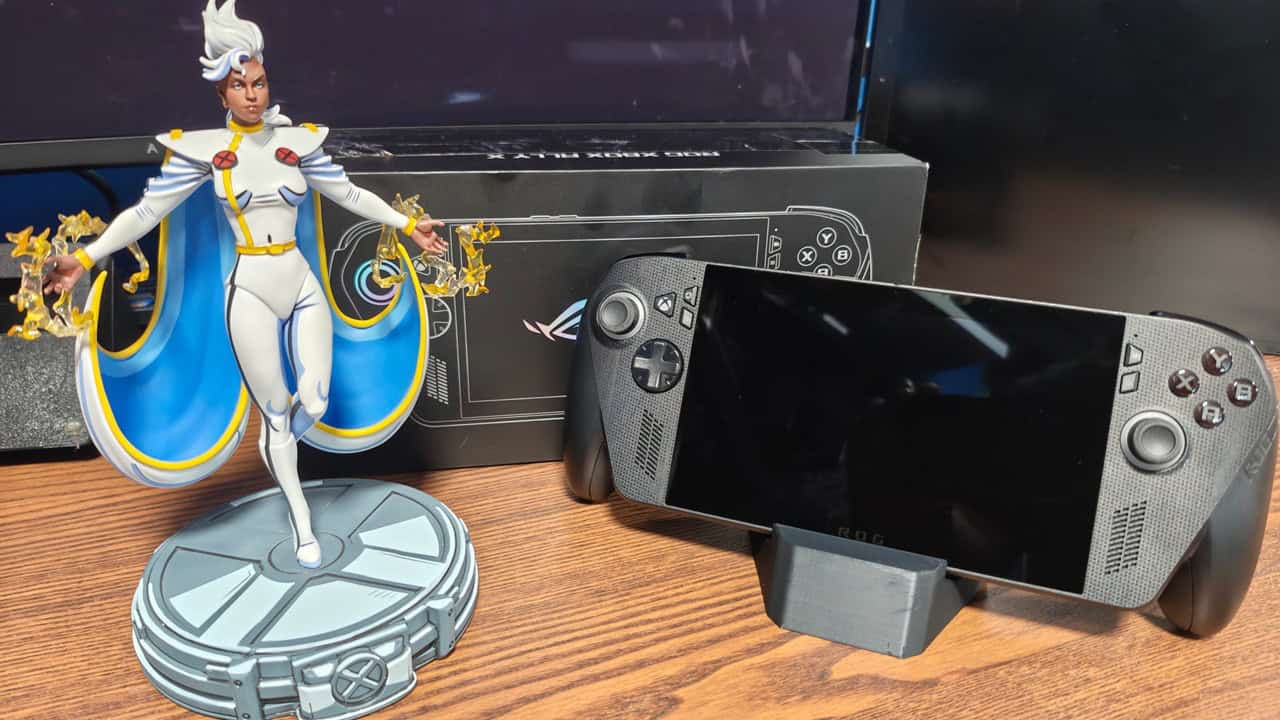
That does not mean you are limited to the Xbox PC App. Steam, the Epic Games Store, and other PC platforms are all available, and one of the biggest strengths of a Windows handheld is that you are not locked into a single storefront.
Using those other platforms, however, requires Desktop Mode in some form. To its credit, Desktop Mode was easier to use than I expected. Windows has much better controller support than it once did, and navigating the desktop on a handheld is not the nightmare it could have been.
The problem is the effect Desktop Mode has on the overall experience. Activating it eliminates some of the performance gains available through Xbox Mode, while also bringing unnecessary Windows processes back into the picture. During my testing, the only way to return to the full Xbox Mode experience was to restart the ROG Xbox Ally X.
This created a frustrating cycle. Launching a Steam game or a title from another PC platform, even when starting it through Xbox Mode, triggered Desktop Mode to run in the background. In my experience, only games launched directly through the Xbox PC App could run without activating Desktop Mode in some form.
This is where the device feels like it is fighting against itself. On one hand, it wants to provide a smooth, console-like Xbox experience. On the other, it remains a Windows PC, complete with all the flexibility and messiness that comes with that.
Steam and the Epic Games Store are not unusable, but they do feel secondary to the experience Microsoft and ASUS are trying to create. The ROG Xbox Ally X is clearly at its best when it remains inside the Xbox ecosystem and keeps the traditional Windows interface out of sight.
Strong Handheld Performance
During my time with the ROG Xbox Ally X, I tested or fully played between 40 and 50 games. That selection included major AAA releases such as Forza Horizon 6 and 007 First Light, smaller games such as Balatro, and plenty of titles in between.
Performance was strong, even when using the device’s 17W Performance mode rather than pushing it into the more demanding Turbo mode. That setting became my preferred way to play because it provided a good balance between visual quality, frame rate, and battery life.
Forza Horizon 6 running at 30fps and 1080p with a mixture of medium and high settings was a genuine surprise. With some tweaking and FSR 3 set to Performance, I was able to push the frame rate close to 60fps, although it was not stable enough to describe it as a locked 60fps experience.
Even so, the fact that a handheld could deliver that level of performance was impressive. A stable 30fps at 1080p with respectable visual settings remains a strong result for a device that can be carried and played almost anywhere.
007 First Light was another easy 30fps lock in the 17W Performance mode. It could not maintain a locked 60fps at that power level, but the game still looked good, played well, and delivered the kind of portable experience that would have been difficult to imagine only a few years ago.
That is where the ROG Xbox Ally X impressed me most from a performance perspective. It is not about expecting desktop-level results from a handheld. It is about delivering a console-like experience in a portable form factor, and on that front, it succeeds.
Power Modes, Battery Life, and the NPU
The ROG Xbox Ally X provides several ways to balance performance and battery life, and switching between them is simple. Pressing the Command Center button brings up the quick settings menu, allowing you to change the operating mode without digging through Windows menus.
The more powerful 25W Turbo mode gives the device additional room to breathe. Frame rates of 60fps or higher are achievable in many games, particularly when using upscaling alongside medium graphics settings. When plugged in, or when battery life is not a concern, Turbo mode provides a noticeable performance boost in more demanding games.
The trade-off is battery life. Around two hours was the best-case scenario I experienced in Turbo mode, and even that depended heavily on the game. That limitation stopped Turbo from becoming my main way of using the device, especially when I wanted the ROG Xbox Ally X to function as a genuinely portable handheld.
I spent most of my time using the 17W Performance mode instead. For me, it was the sweet spot, offering strong performance without draining the battery nearly as quickly. Many indie games, older releases, and well-optimised titles ran brilliantly at that setting, while even larger AAA games were often playable at a stable 30fps.
In Performance mode, battery life routinely lasted between three and four hours. That added another one to two hours compared with Turbo mode and completely changed how naturally I could use the device. Rather than constantly watching the battery indicator, I could relax and play throughout the day without immediately looking for a charger.
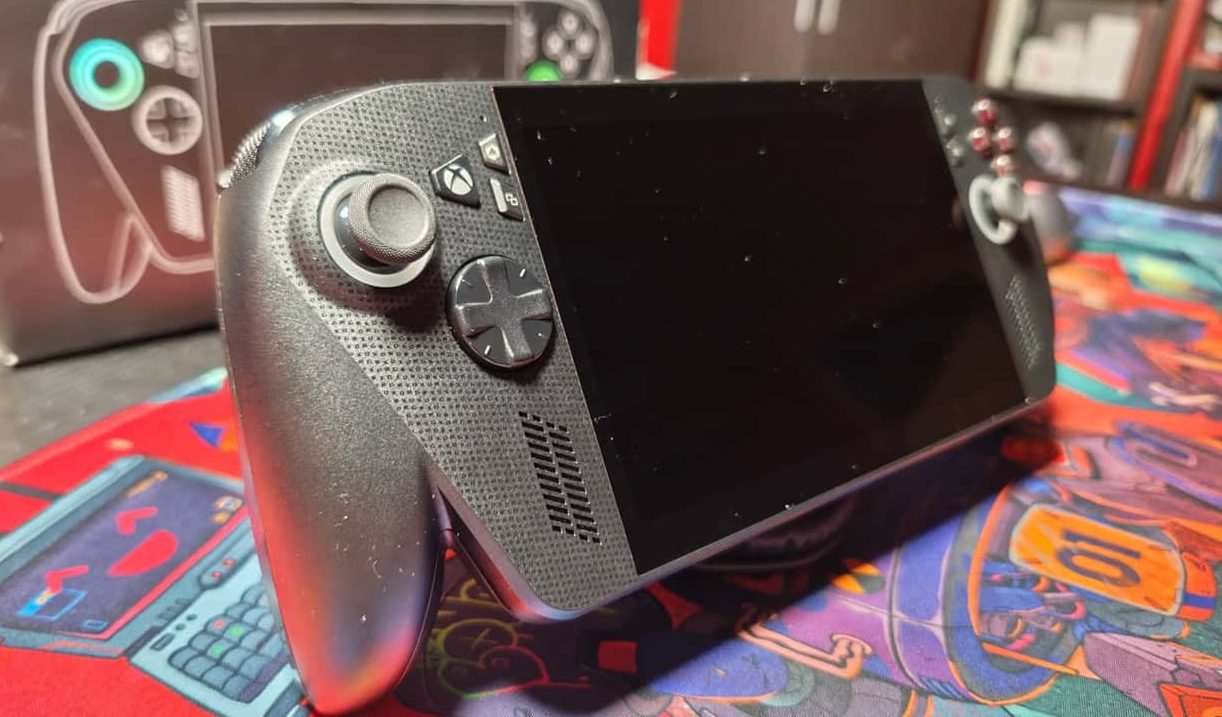
The ROG Xbox Ally X also includes the AMD Ryzen AI Z2 Extreme, which brings dedicated NPU hardware into the device. At the moment, however, that part of the hardware feels more forward-looking than essential to the current experience.
Features such as Auto SR are promising, and the idea of using dedicated AI hardware for gaming-focused improvements makes sense. During my review period, though, the NPU did not meaningfully change how I used the handheld from day to day. Raw performance, upscaling, power settings, and battery life had a much greater effect on the overall experience.
Comfort and Ergonomics
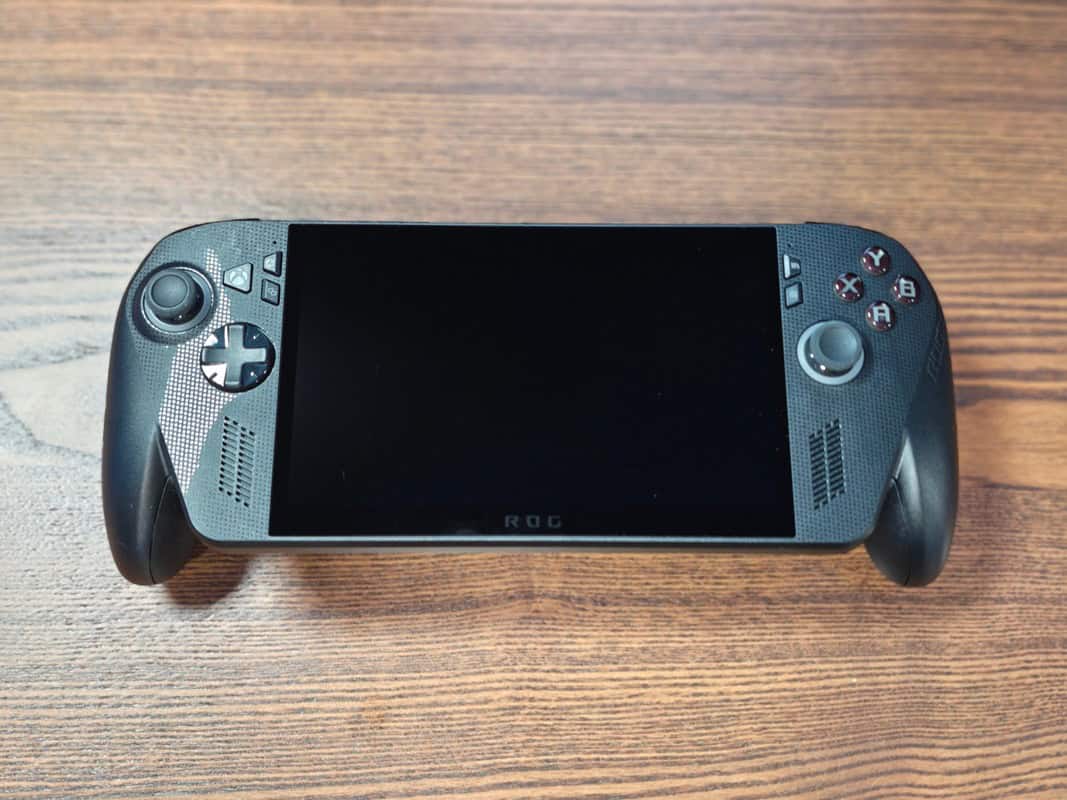
Another surprise was how comfortable the ROG Xbox Ally X remained during longer sessions. At 715g, this is not a light handheld, and its weight is noticeable compared with smaller devices. However, its overall shape does a good job of making that weight easier to manage.
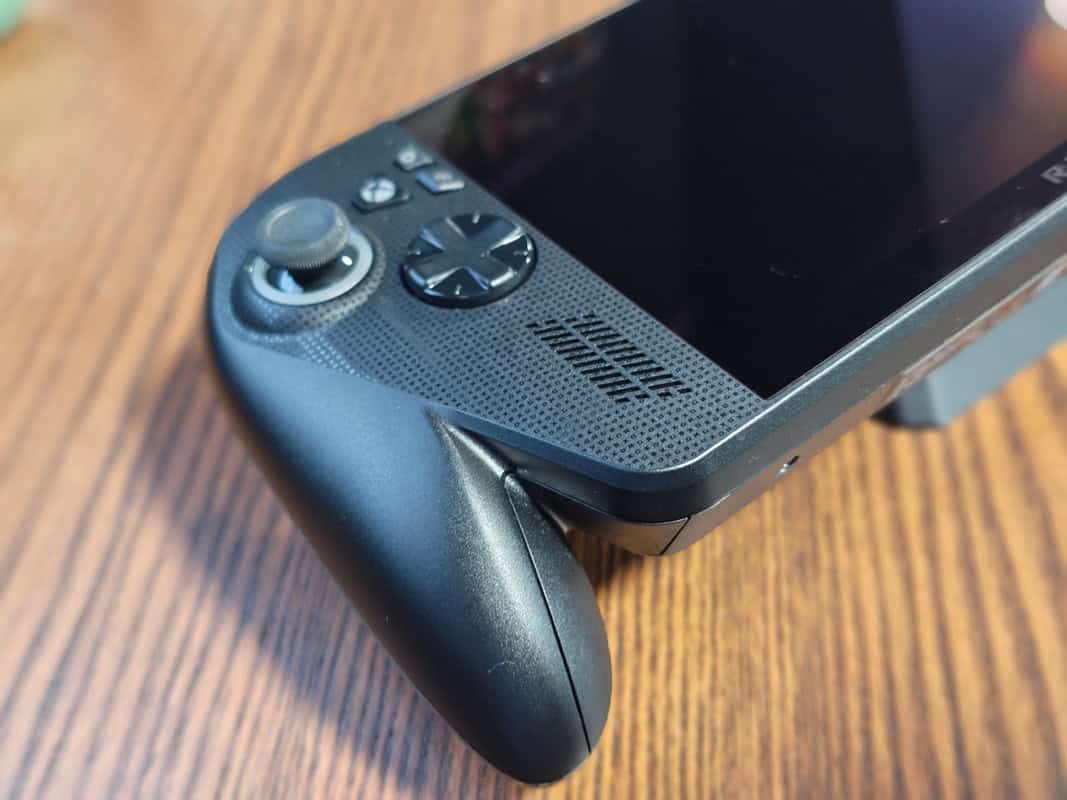
The Xbox-style grips make a real difference. Compared with the Steam Deck, the ROG Xbox Ally X feels more like holding a traditional controller with a screen in the middle. That made it easier for me to settle into longer sessions without constantly adjusting my hands or thinking about how I was holding the device.
The weight never disappears entirely, and this remains a large handheld. Even so, the ergonomics distribute that weight across your hands surprisingly well. Comfort could have been a major issue for a device this powerful, but it instead became one of the reasons I kept returning to it.
The Handheld I Kept Picking Up
What surprised me most about the ROG Xbox Ally X was not its performance, Xbox interface, or access to my existing library. It was how often I actually used it. Before long, this became the first device I reached for whenever I wanted to play something.
There are plenty of gaming devices that seem exciting at first but end up unused once the novelty wears off. The ROG Xbox Ally X was different. I kept picking it up, downloading games, and trying new releases simply to see how they would perform.
Some of that came from the hardware, but much of it was because the device fit naturally into my existing Xbox library. I was not searching for excuses to use it or trying to justify purchasing the same games again on another platform. The games were already there, and the device made accessing them easy.
The frustrations never completely disappeared. Desktop Mode continued to annoy me, the initial setup took longer than it should have, and the split between Xbox Mode and the wider Windows experience prevented the device from feeling entirely seamless. None of those issues stopped me from using it nearly every day, and that may be the biggest compliment I can give it.
Verdict
The ROG Xbox Ally X is not the perfect Xbox handheld, but it is the closest thing we have right now. When used through Xbox Mode with Xbox PC App titles, Game Pass, and Xbox Play Anywhere, it can provide a genuinely excellent experience for players who are already invested in Microsoft’s ecosystem.
Performance is strong, particularly in the 17W Performance mode, where the balance between frame rate, visual quality, and battery life feels right for a portable device. Turbo mode provides additional power when needed, but its effect on battery life makes it better suited to shorter sessions or playing while plugged in.
The biggest issue remains Windows. The moment you move outside Xbox Mode, the ROG Xbox Ally X begins to feel like a more traditional handheld PC again. Desktop Mode is functional, but it takes away some of the simplicity and performance benefits that make the Xbox side of the device so appealing.
Even with those problems, the ROG Xbox Ally X became part of my daily gaming routine over the last two months. For players with an existing Xbox library, a Game Pass subscription, and a collection of Xbox Play Anywhere titles, this is one of the easiest handheld PCs to recommend.
It is powerful, flexible, and at its best, it provides a glimpse of what a dedicated Xbox handheld could eventually become. It is still a PC, and sometimes that gets in the way, but when the ROG Xbox Ally X gets out of its own way, it is a fantastic handheld gaming device.
Review Disclosure Statement: ASUS provided the ROG Xbox Ally X used for this review. For more information about how we review video games, hardware, and other media, please read our Review Guidelines and Scoring Policy.
ROG Xbox Ally X Review – The Xbox Handheld I Didn’t Know I Needed
The ROG Xbox Ally X is the closest thing we have to a proper Xbox handheld, delivering strong portable performance, great Game Pass integration, and a surprisingly natural daily-use experience. It is still held back by Windows quirks, a messy setup process, and Desktop Mode breaking some of the console-like magic, but for Xbox players with a large digital library, this is one of the easiest handheld PCs to recommend.
Pros
- Excellent Xbox Mode experience
- Great for Game Pass and Xbox Play Anywhere users
- Strong handheld performance across AAA and indie games
- 17W Performance mode offers the best balance of power and battery life
- Became a genuine daily-use device
- Makes great use of existing Xbox libraries
Cons
- Initial setup is still a pain
- Windows still gets in the way
- Desktop Mode reduces the seamless Xbox feel
- Steam and other launchers feel secondary
- Turbo Mode drains battery quickly
-
ROG Xbox Ally X Review – The Xbox Handheld I Didn’t Know I Needed
