

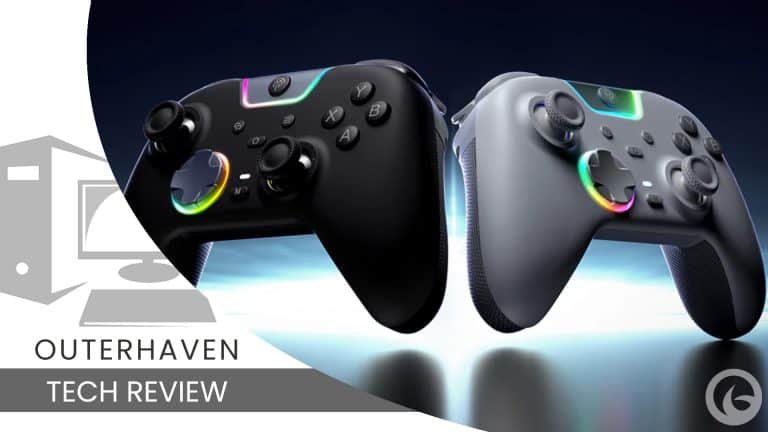
The last controller I was able to review was the EasySMX S10 Lite Controller, which was mainly geared toward the Nintendo Switch 2. The next one in the EasySMX controller lineup I get to test is the EasySMX X05Pro Gaming Controller. This one is mainly geared toward PC but has a toggle that allows it to be used with the Nintendo Switch as well.
Product Name: EasySMX X05Pro Gaming Controller
Manufacturer: EasySMX
Release Date: August 26th, 2025
Pricing: $35.99 / $45.99 with Charging Dock
Unboxing and Setup
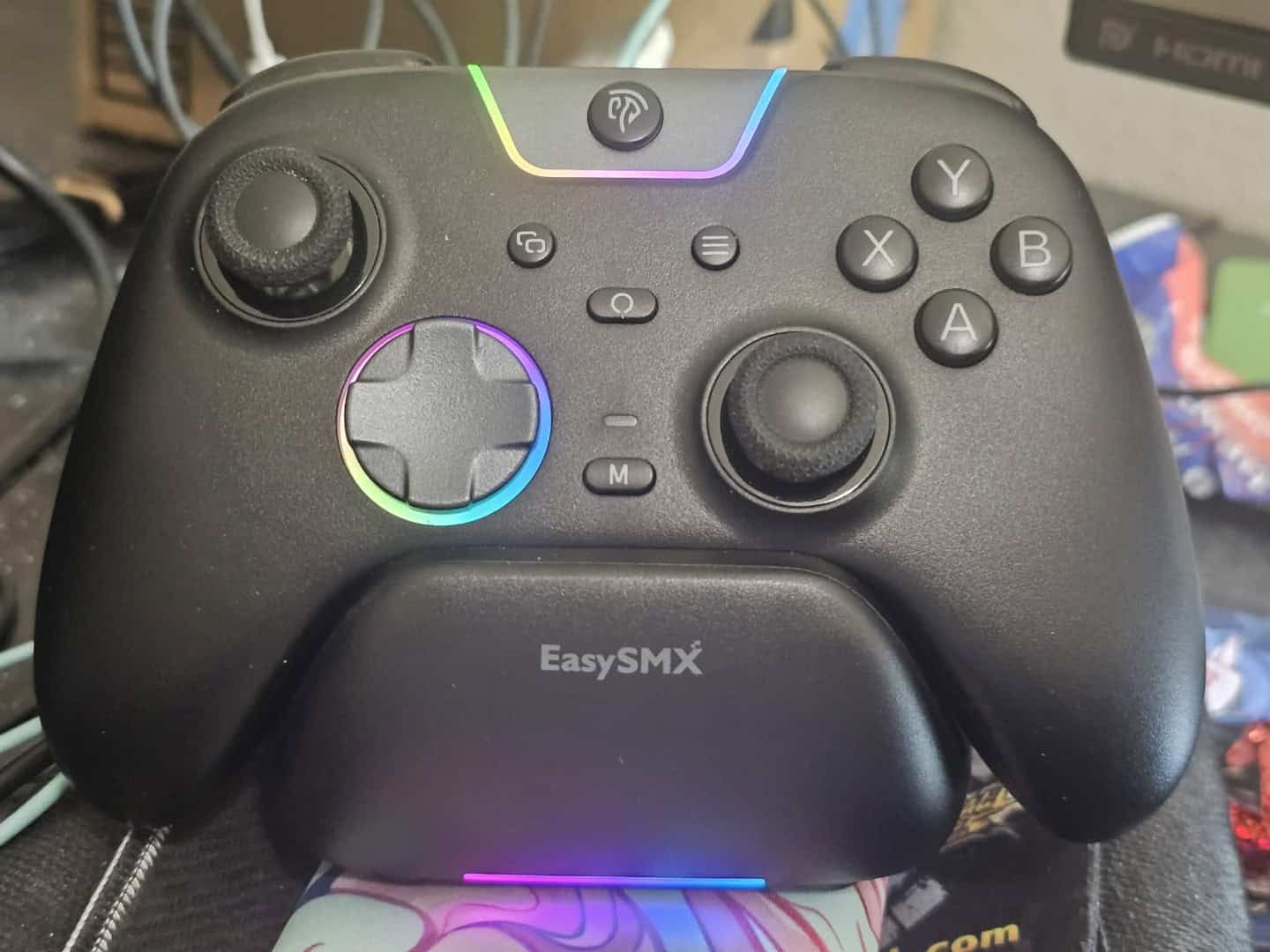
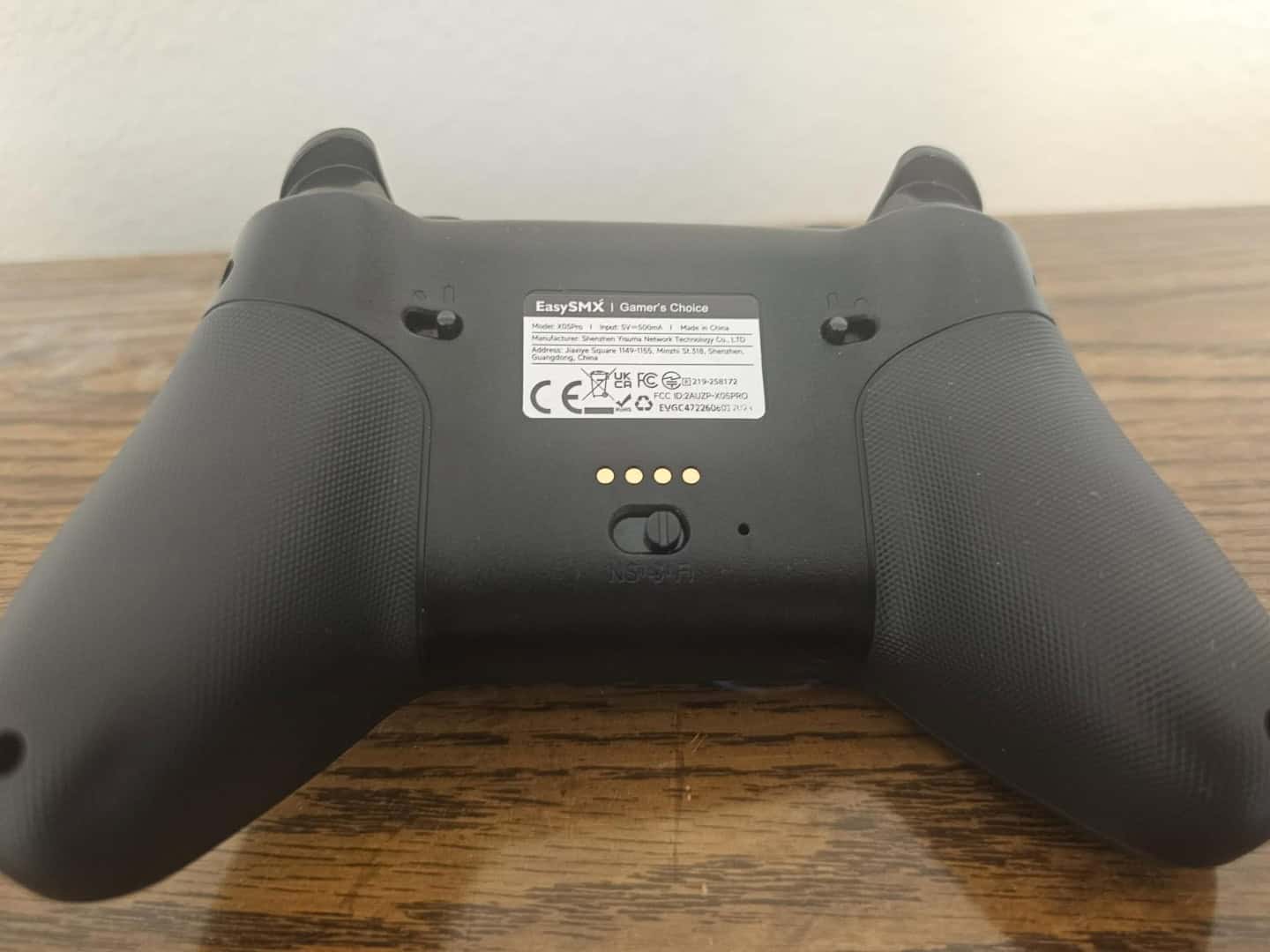
The EasySMX X05Pro was probably one of the easiest controllers to unbox and get started with. In the box, there was a charging cord, a charging dock, a USB dongle, and the controller. The dock can be connected to a power brick via USB or USB-C. The setup for the device is also fairly easy, especially on PC. Connect the dongle via a USB port on the PC or USB hub. Turn the toggle on the back of the controller to the 2.4GHz mode that connects to the dongle. Then, hold the top-center button on the controller and wait for it to sync.
Also worth noting is that the box the controller came in was wrapped in a lot of layers of bubble wrap, but I think it was due to my last review, where I noted the box came with a slight dent. Due to the added layers, the box was in pristine condition!
Technical Details
- Connection method: 2.4GHz Wireless, Bluetooth, Wired
- Compatible Models: Switch/Switch Lite/Switch OLED, Windows 7/8/8.1/10/11, Android/iOS
- Polling Rate: 1000Hz in 2.4GHz Wireless and Wired, 125Hz-250Hz in Bluetooth
- Charging Interface: USB Type-C
- Battery: 1,000mAh
- Net Weight: 261.6g
- Net Size: 15.70×9.50×6.50cm
Playing With The EasySMX X05Pro Gaming Controller
I was able to spend a considerable amount of time with this controller. My setup was on my MSI Claw 8 AI+ docked to my 4K TV. I also tested it a bit on my PC, and I can say it connects almost immediately when the dongle is plugged in. The first thing that I loved about this controller was how it had a very nice click to the buttons while also being quiet. When you push any of the buttons down, it isn’t a clack like some controllers out there. It is just a very nice, quiet click that still feels satisfying.
It has two additional shoulder buttons that serve as macro buttons. Most other controllers have the two additional buttons as paddles on the back, but these were next to the left and right bumpers. I will admit that when I first started playing with this controller, I would accidentally press the macro buttons while I was pressing the left or right bumpers. That is because I am used to hovering my finger over the whole bumper to press it down. As I used the EasySMX X05Pro Gaming Controller more and more, I started tapping the bumpers more with just the sides of my fingers so I wouldn’t hit the macro buttons unless I actually meant to use them.
If you want to use Bluetooth mode on mobile or PC, you just have to change the toggle on the back to the Bluetooth symbol. After it is changed to Bluetooth mode, all you have to do to sync it is hold the central top button for a few seconds until it starts blinking. Then, you can find it via whatever device you want to sync it to. If you are using it on PC, though, I would recommend the dongle since it is easier to just start the controller and play, and it has a 1000Hz polling rate.
I really like that the analog sticks are Hall Effect sticks. They are very easy to rotate, and the texture on the analog stick caps holds your thumb in place while you rotate, making it easy to move them consistently. Honestly, it would be nice if we made Hall Effect sticks an industry standard rather than the basic analog sticks that are used in most first-party hardware.
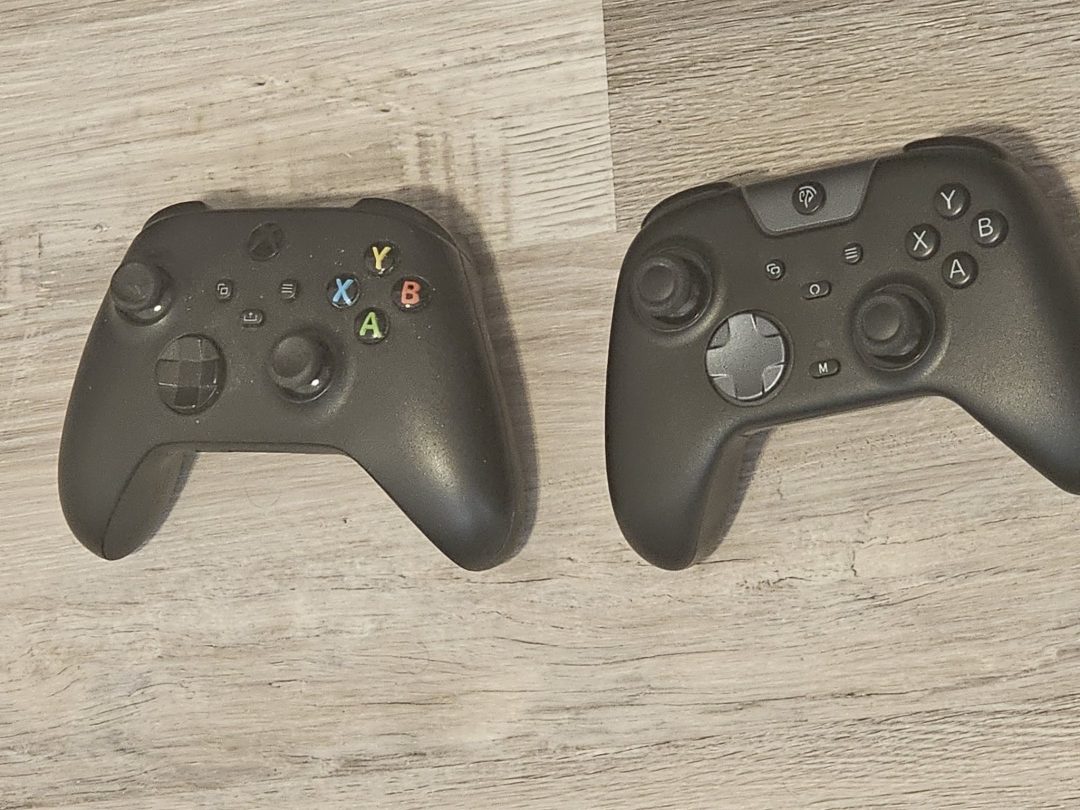
I will admit that the fun thing about this controller is how about 90% of the model design of the EasySMX X05Pro Gaming Controller is Xbox Series controller. Another 8% is the PlayStation stick texture and trigger design. The last 2% is EasySMX adding its own flair!
The battery life for the EasySMX X05Pro controller lasted around 8-9 hours for me. I generally needed to charge it after three play sessions. It’s not the 40 hours that the Nintendo Switch 2 Pro Controller can boast, but it is better than a lot of controllers that can only last 4-5 hours, or even the sad state of the battery on the PlayStation 5 DualSense, which lasts a whole three hours if you turn all the features off. I would put it at a medium-quality battery experience. Though, you can also just wire this controller to the PC if you are worried about playing for too long, since it also gets the 1000Hz polling rate.
One thing I noticed immediately after picking it up is that it feels sturdy but also pretty light. I really enjoyed the feel of the shell and how it rests in the hands. My favorite part of playing with the controller was the feel of the D-pad. It wasn’t mushy, and even though it was quiet like everything else, the tactile presses had to be deliberate. I never accidentally moved diagonally up or diagonally down while trying to go up, down, left, or right.
The Verdict
I really liked the EasySMX X05Pro Gaming Controller. It has a solid-quality build for a $35 budget controller. It has decent battery life, and the D-pad is especially impressive, especially when compared to the other controller I reviewed for EasySMX earlier this year. It has a similar mold to Xbox controllers, but because it is lighter and the bottom isn’t as big, it feels better in the hands.
I do think that the macro button placement makes it awkward to press either of the bumpers during gameplay, but it is something you can get used to. If you want a controller that won’t break the bank but still gives you a premium experience, this is definitely one to get.
You can buy the EasySMX X05Pro Gaming Controller on Amazon. It is available now, and if you use our discount code, you can get 10% off your purchase. The discount code is “X05PRO01”.
Review Disclosure Statement: The EasySMX X05Pro Gaming Controller was provided to us by EasySMX for review purposes. For more information on how we review video games and other media/technology and hardware, please review our Review Guideline/Scoring Policy for more info.
Affiliate Link Disclosure: One or more of the links above contain affiliate links, which means at no additional cost to you, we may receive a commission should you click through and purchase the item.
The EasySMX X05Pro Gaming Controller is a really good bang for your buck controller. It has three connection modes, mappable macro buttons, and a good-quality D-pad.
Pros
- Good weight for the size
- Easy to set up
- D-pad is great
- Quiet button presses
- Still has good click tactile buttons
- Good Hall Effect Sticks
Cons
- Macro buttons can get in the way of the bumpers
- Triggers don’t feel as good as they look
- Charging Dock adds another $10 to the purchase
