

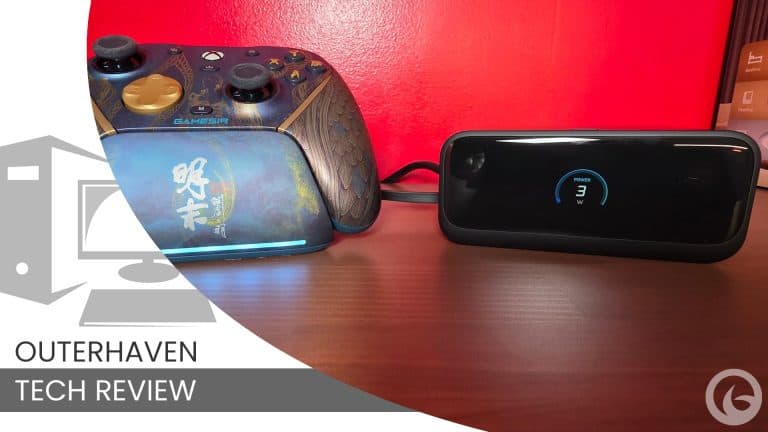
Tell me if this has ever happened to you: you’re in the middle of gaming and your wireless headset, mouse, or keyboard suddenly dies because you forgot to charge it. Next thing you know, you’re falling off a cliff, running off the road, losing a match, or scrambling to finish an important email while hunting for a cable. Yeah, that was me, and I hated it. That changed once I started using the Anker Nano Charging Station, a compact desktop charger that quickly became one of those “why didn’t I have this sooner?” tech upgrades. And no, Anker isn’t paying me to say that. I just really like this thing.
Why the Anker Nano Charging Station Works So Well on a Busy Desk
So, let’s jump into it. Why do I like it? It’s just a charger, right? Surely, there are more exciting things to talk about. However, as someone who lives at their desk for the better part of a day, either doing work or playing games, just about everything I touch is wireless or has a battery. When those devices run out of juice, it puts me in a terrible position, because even though I can go find a USB-C cable and charger, there’s one major problem with that in my household.

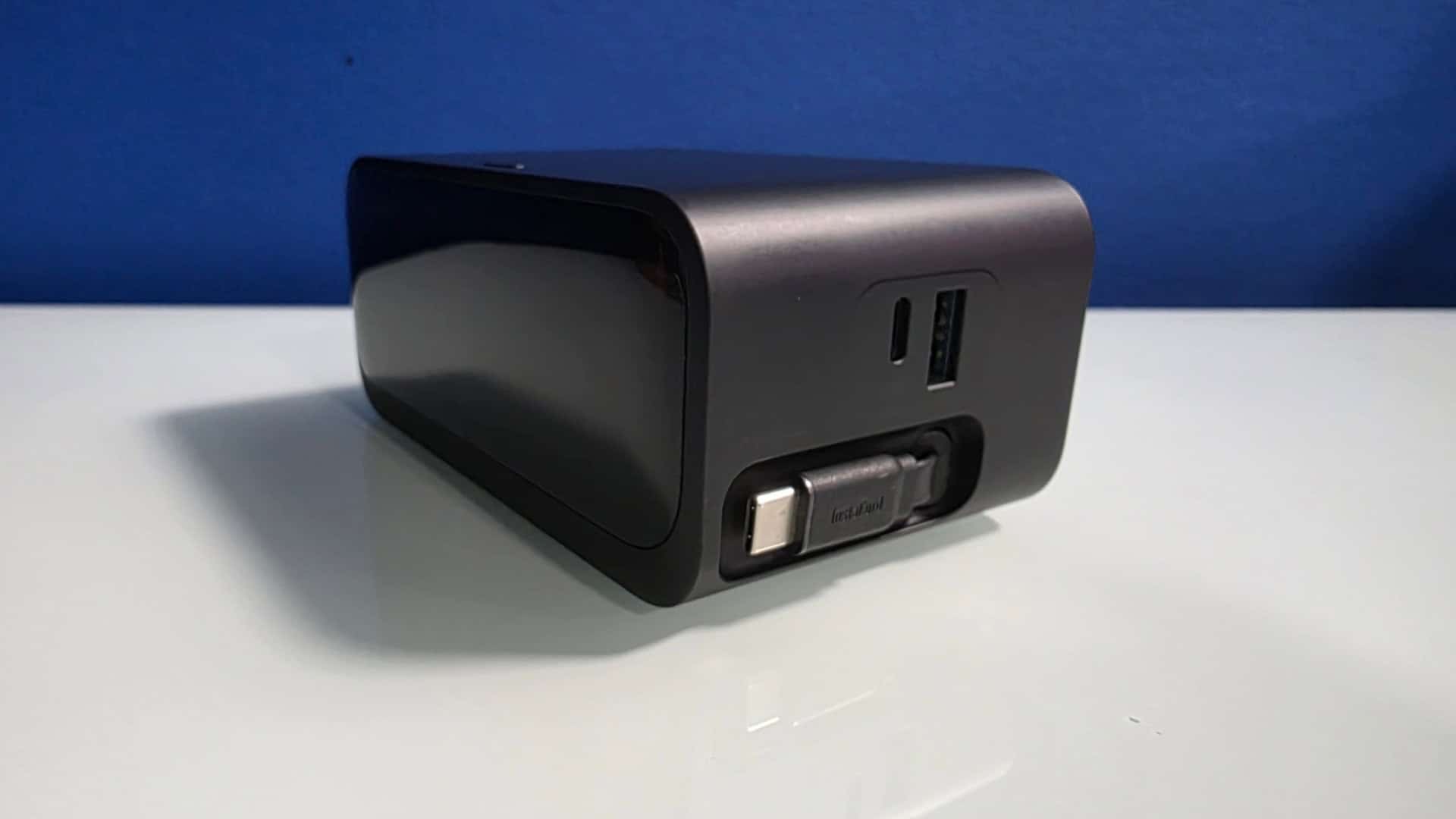
I have three other people who love coming into my office to hijack one or all of my USB cables. So, when I need one, I usually can’t find one when I need it. Which is something that the Anker Nano Charging Station offers with its built-in retractable USB-C cables that stay hidden inside the charger when not in use. When I need them; I just give a cable a pull and plug it into whatever needs charging. That is great for me because it means I don’t have to worry about searching for a cable every time something dies.
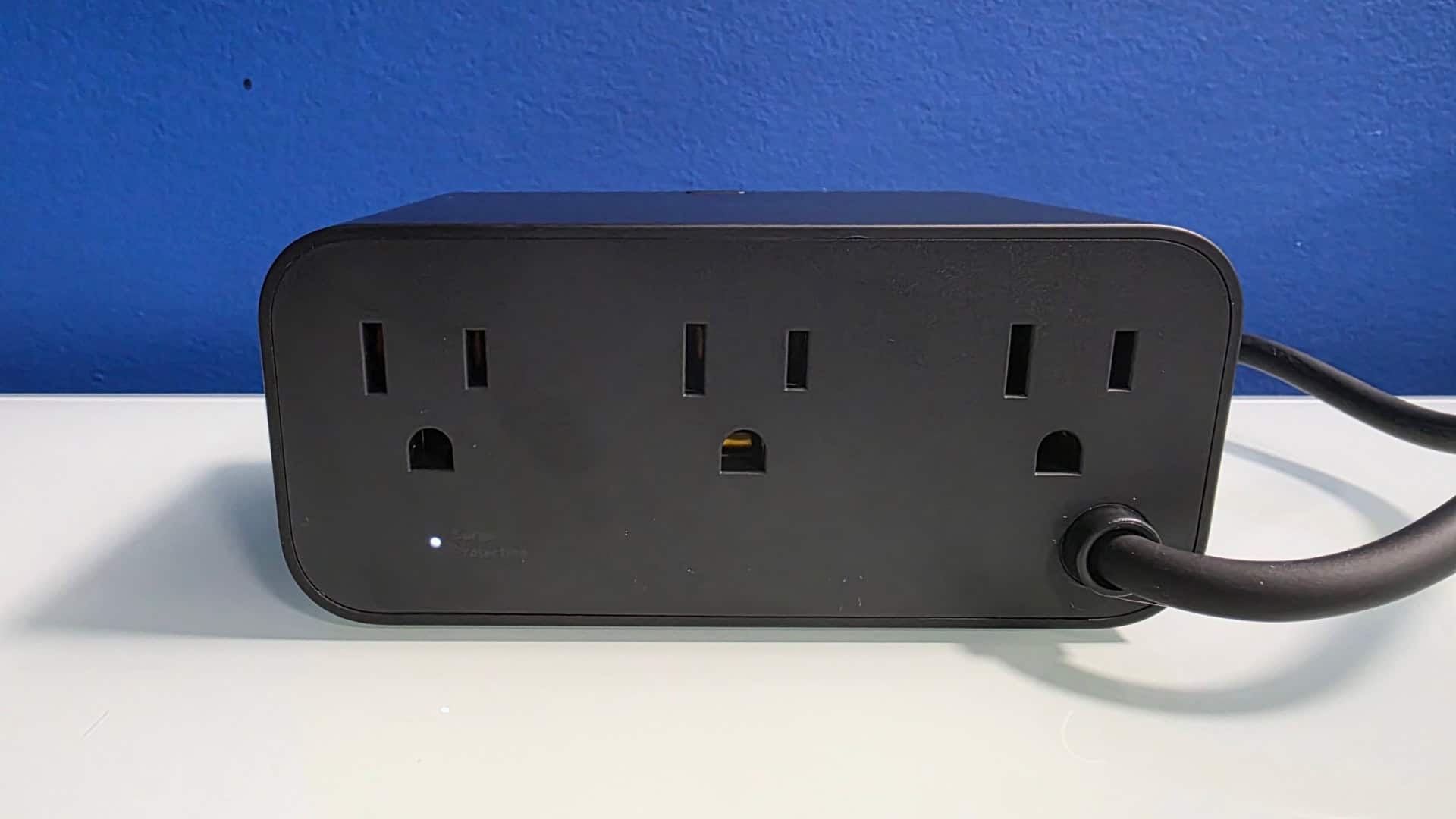
Granted, since those built-in cables are USB-C, I still need a USB-C to micro-USB adapter for some older devices. But that is not Anker’s fault, and that blame rests on companies that still refuse to move everything over to one standard. But I digress. Of course, if I need to charge more than one device at a time, the Anker Nano Charging Station has me covered, because in addition of the two retractable USB-C cables, it features an additional USB-C port, and one USB-A port on its side, and three AC outlets on the back, so I’m rarely without a way to charge something when I need it.
It’s also very portable, so whenever I need to drop it into a bag and head on to where I need to go, I just unplug it from the wall outlet and away I go. However, it is not a power bank, so using while on the go isn’t possible.
Plenty of Power for Phones, Handhelds, and Gaming Gear
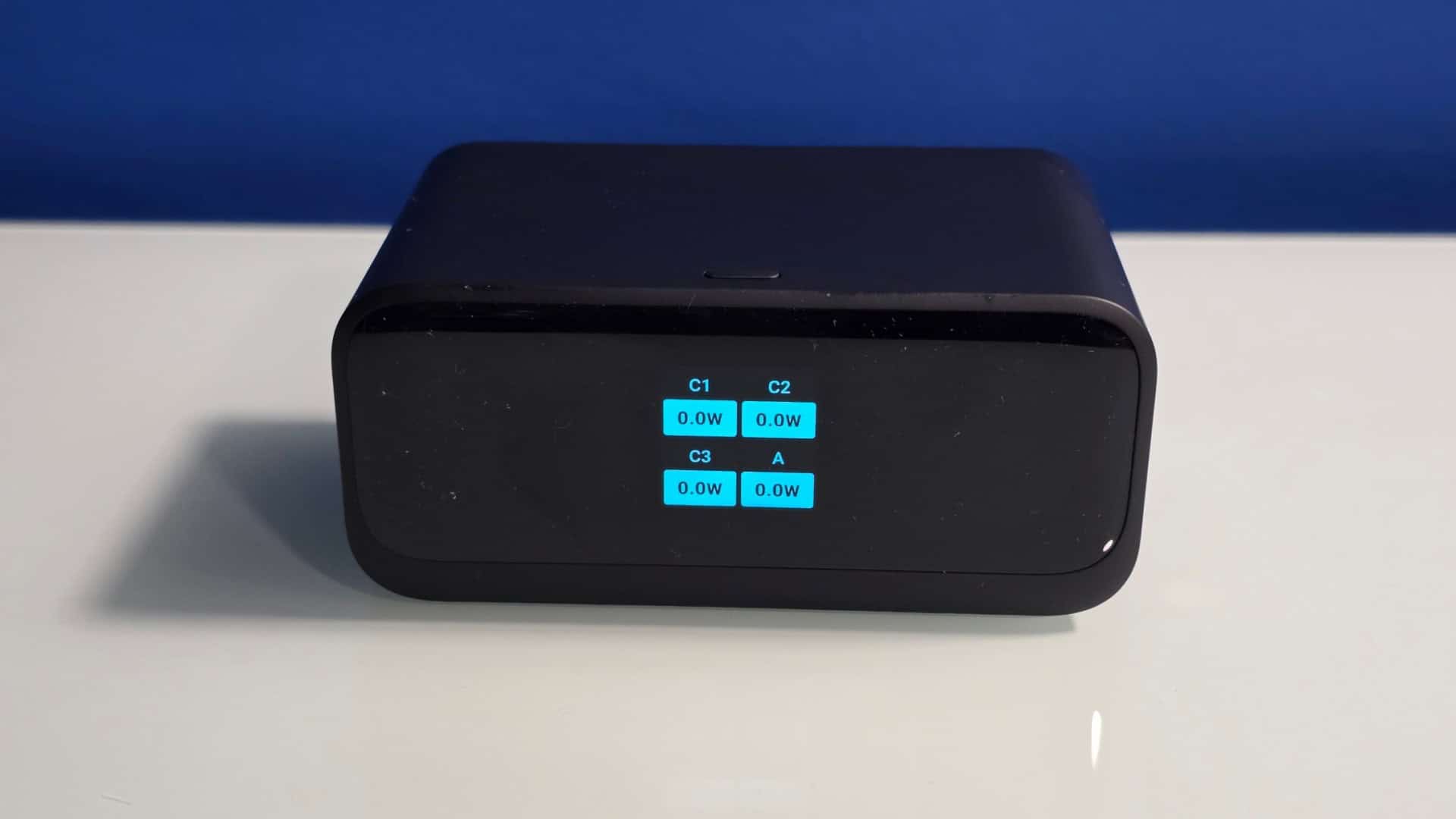
Power-wise, this supports up to 100W, which is great when I need a fast charge or when I want to power up my Legion Go 2, Switch 2, or Samsung Galaxy S25 Ultra. I plug it in, and off it goes. What makes it even better is the LCD screen, which gives me a quick look at what is happening instead of leaving me guessing. And since it’s easy to move around, I can unplug it from the outlet and toss it in a bag for travel. Or I can hide it, because there is a very real chance it won’t be where I left it when I come back into my office. Maybe that last part is a me issue.
I’ve thrown everything at the charging station, and it hasn’t failed me yet. Lots of power, and it’s like its challenging me to give it more to handle.
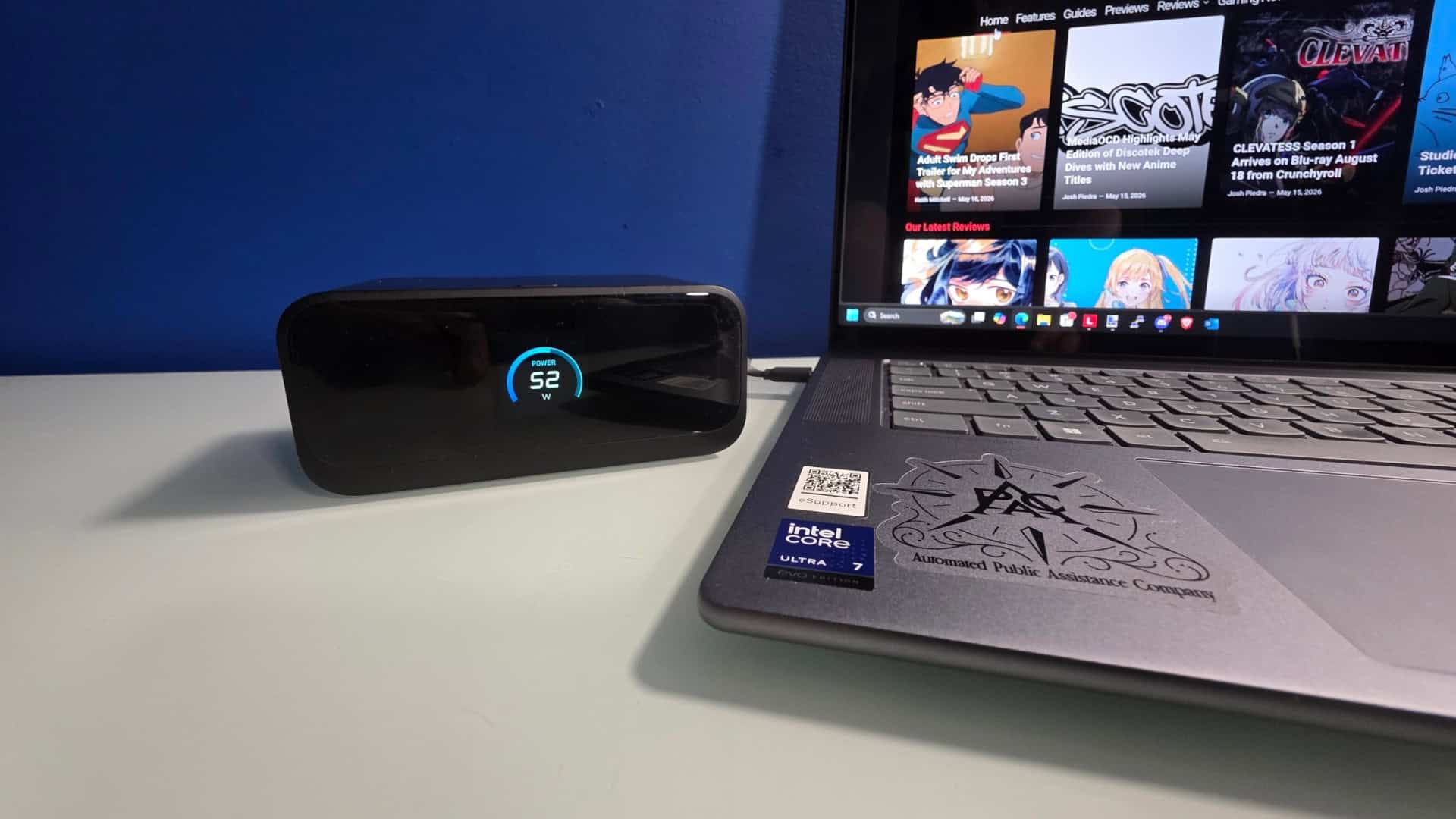
So far, after owning this thing for a few weeks, it has been a godsend. Because again, searching for USB-C cables in this household is an exercise in frustration. If you’re someone whose life revolves around electronics that constantly need to be recharged, this is easily one of the best purchases you can make for your setup.
However, there is one mild frustration point that has to be mentioned. While charging a device, the LCD only stays lit for the brief of moments and then fades to black. To get it to show again, there’s a little button on the top that needs to be pressed. It’s not a deal breaker, but it also isn’t optimal, as I like to see the status of how much time I have left before I can use whatever is being charged. I’d like for this to stay lit for as long as whatever is being charged is connect. However, outside of that, this thing is a fantastic device.
Final Thoughts
If there is one issue I have with the device, it is that I wish it had a little more heft to it, since it can slide around or move a bit too easily. That and it’s a fingerprint magnet, due to its matte finish. But honestly, that feels like nitpicking. I’d file this under “must-have” devices in my life, and if you pick one up, I’m pretty sure you’ll feel the same way. I know this probably reads like an advertisement, but honestly, I can’t help that. When I come across a device that fits this perfectly into my daily setup and solves an annoying problem this well, I’m going to praise the heck out of it.
The Anker Nano Charging Station is a godsend for those who constantly need to charge something such as gaming controllers, headsets, phones or other devices, without having to look for spare USB-C cables and it works in a pinch.
Pros
- Two permanently attached USB-C cables
- Useful LCD screen that provides details on what’s being charged
- Additional AC inputs for adding other devices if need
Cons
- I wish the LCD screen would stay on longer
-
4
