

Close Menu
  • Latest
  • Help Support Independent Journalism
  • Features
  • Hubs
    • Summer Game Fest 2025
    • CES 2026
  • Gaming
    • All Gaming
    • Nintendo
    • PlayStation
    • Xbox
    • PC Gaming
    • Hardware News
    • VR
  • Guides
  • Entertainment
    • All Entertainment
    • Anime & Animation
    • Movies and TV
    • Books
    • Manga & Comics
    • Toys
    • Geek
    • Pop Culture
  • Previews
  • Reviews
    • All Reviews
    • Video Game
    • Anime & Animation
    • Movie & TV
    • Comic Book & Manga
    • Tech & Gear
    • Food
    • Book
    • Toys
    • Tabletop and Card Game
  • Podcasts
    • A-01 Podcast
    • Nintendo Entertainment Podcast
    • Spectator Mode Podcast
  • Contact Us
X (Twitter) YouTube RSS Bluesky Discord

Follow Us

X (Twitter) Instagram YouTube Bluesky Discord
The OuterhavenThe Outerhaven
  • Latest
  • Features
  • Guides
  • Hubs
    • Summer Game Fest 2025
    • CES 2026
  • Previews
  • Reviews
    • Video Game Reviews
    • Anime & Animation Reviews
    • Comic Book & Manga Reviews
    • Films & TV Reviews
    • Hardware Reviews
    • Tabletop & Card Game Reviews
    • Toy Reviews
  • Gaming
    • PlayStation
    • Nintendo
    • Xbox
    • PC Gaming
    • Tabletop & Card Game
    • Hardware News
    • Virtual Reality
  • Entertainment
    • Anime & Animation
    • Comic Books & Manga
    • Films & TV
    • Original English Light Novels DB
    • OELN DB
    • Pop Culture
    • Books
    • Toys
  • Podcasts
    • A-01 Podcast
    • Nintendo Entertainment Podcast
    • Spectator Mode Podcast
The OuterhavenThe Outerhaven
Home»Features»Playnite Is The Video Game Library Manager You Never Knew You Wanted

Playnite Is The Video Game Library Manager You Never Knew You Wanted

By Keith MitchellAugust 6, 2020
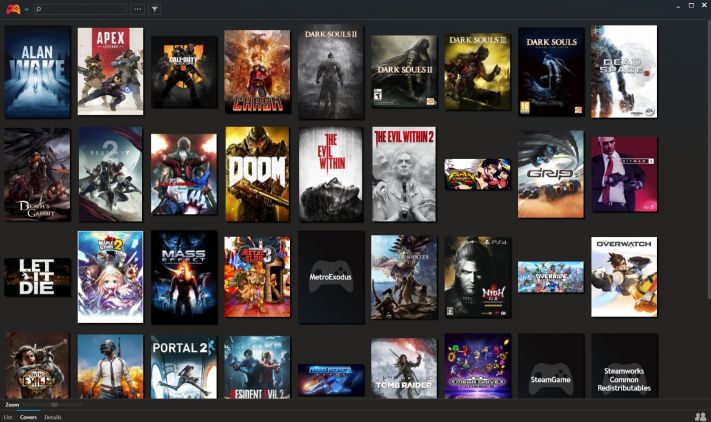
playnite cover mode

As a PC gamers, we run into all sorts of issues. Driver issues, compatibility issues, system resources issues. You get where I’m coming from. However, in the last few years, we’ve encountered yet another issue – multiple digital storefronts. Steam, Origin Access, GOG, Battle.net, Bethesda’s launcher, Twitch Prime, Uplay, and more recently, the Epic Games Store. That’s a lot of launchers to many and, frankly, more than I care to deal with.  Thankfully I found a way to deal with it all, and that solution is called Playnite.

Developed by Josef Němec, Playnite is a video game library manager that bridges all those other launchers and provides nearly unlimited power; for your PC at least. You can download a copy by going to the official website here.

What does PlayNite do?

So what does it do exactly? Well, once you install it, you’re asked what launchers are installed on your computer. Playnite will import all the data from them and add what it has collected to its interface. Once that’s done, it will scan all your directories for other games. Such as those that aren’t connected to a launcher, like DRM-free games or indie games. Should it miss any, you can manually add them as well. Then you’re ready to go. When Playnite starts up, you’re presented with a simplistic interface that lists all of the games found.

Along with metadata includes the genre, developer, publisher, release date, box art, and more. It even tracks how long you’ve played your games, a function that a certain game launcher **CoughEpicgamesstoreCough** doesn’t do. Oh, it also manages emulators, in case you have any of those hanging around as well. As I said, it’s pretty handy.
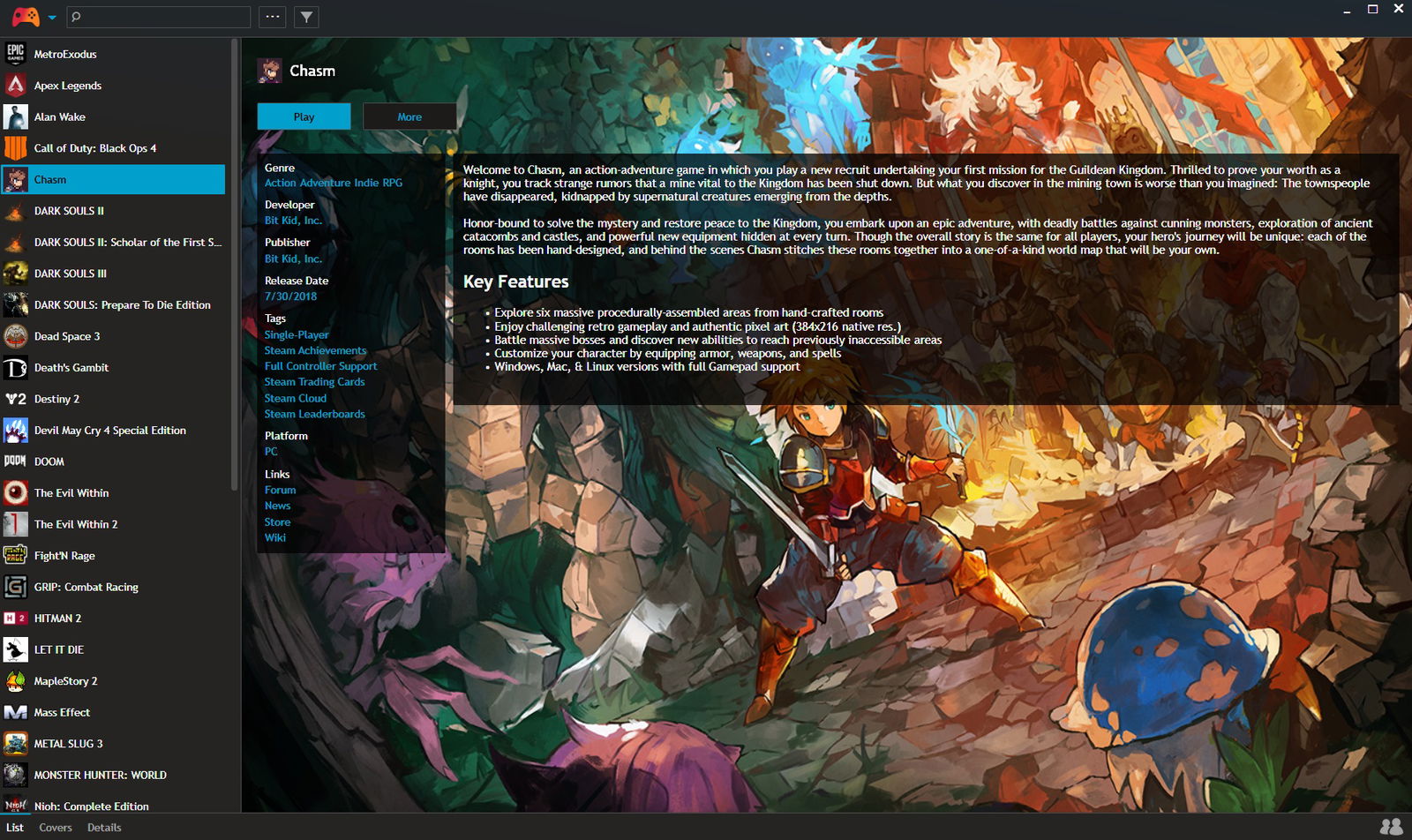
playnite list mode

Now, whenever you want to play a game, well, this is where the magic happens. You click on the game, and that’s it. The game starts up, and so does the launcher of the said game if it’s needed. No fuss, no mess. You can even set up Playnite to start when your PC starts, and it even has a full-screen mode that can replace Steam’s Big Picture mode. It starts up faster, includes a slick interface, and I definitely prefer this over Big Picture mode. Even better is once the game closes out, the full-screen mode jumps right back into action. 

I completely love it, and I’m sure you will as well. Now there is some setup required to get it going, and you’ll have to keep on the updates. Though, outside of that, this has made my PC gaming experience with gaming on a TV that much better. Since I don’t need to rely on a keyboard  (as much), I can just let my controller handle the big tasks. Lastly, just because I use it on an HTPC doesn’t mean you have to, as it works just as well on any PC. 
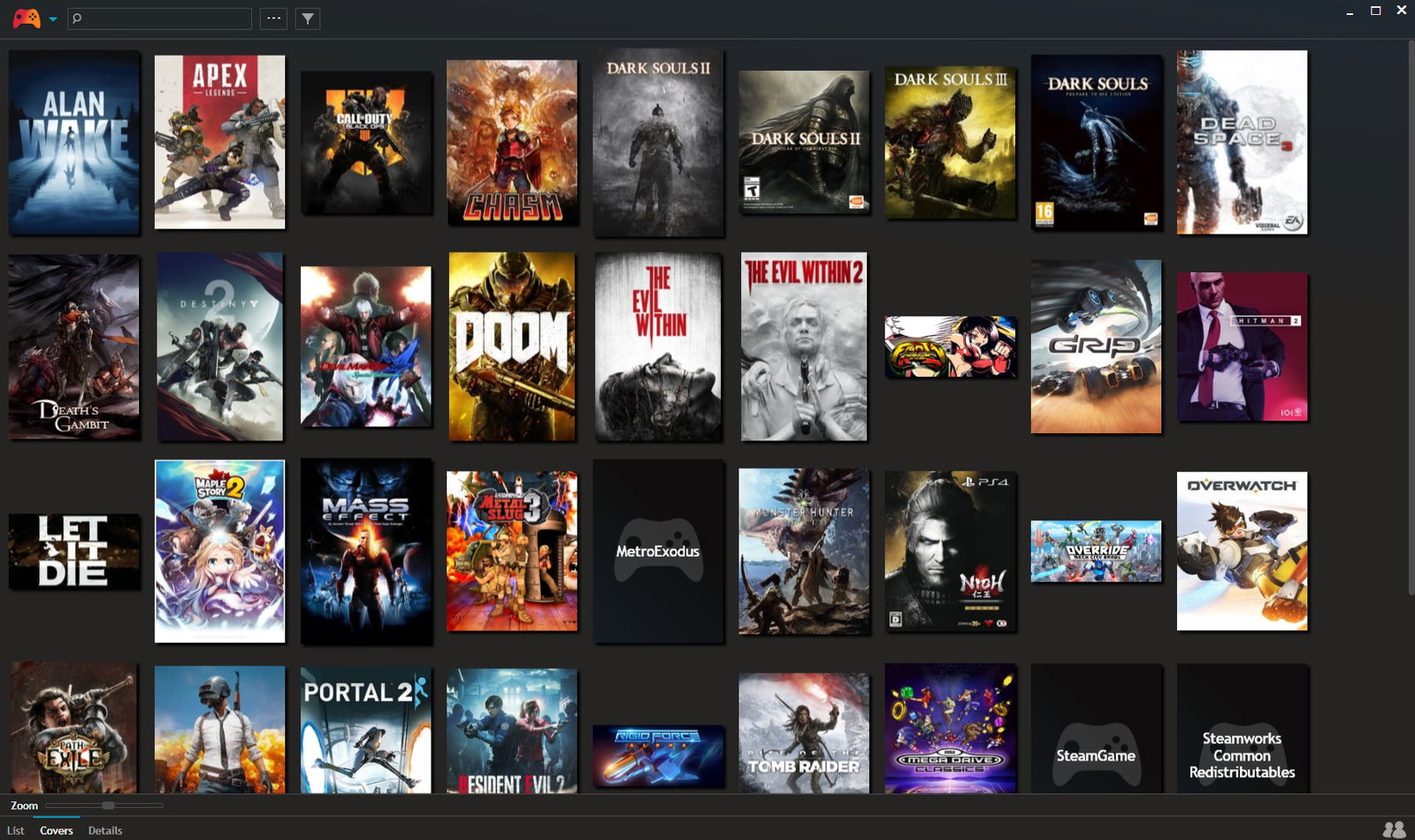
playnite cover mode

I definitely recommend that anyone who games on a PC to give Playnite a try. Should you like it, why not consider tossing the developer a few bucks via their Patreon or Paypal address. If you happen to do a Patreon, you’ll get early access to future builds as well.

game library manager PC gaming Playnite
Keith Mitchell - Headshot-PS_Gear_400x400
Keith Mitchell
  • X (Twitter)
  • LinkedIn

Keith D. Mitchell is the Founder and Editor-in-Chief of The Outerhaven, covering games and tech for over 14 years. A lifelong PC gamer who began building PCs at age eight, he is a hardware enthusiast, Soulslike devotee, and regular attendee of major gaming and technology events.

Latest Articles

Wizards of the Coast is debuting a new card game at MagicCon – and it’s not Magic

February 5, 2026

Manta Has Eight Recommendations for You for This Valentine’s Day

February 4, 2026

Rooster Fighter Comes to Adult Swim

February 4, 2026

Cö shu Nie Drops New Single “Hollow” feat. Zach Danziger

February 4, 2026

Wings Of Bluestar Pre-orders Are Live By VGNYSoft Games

February 4, 2026

Sleeping Gods: Distant Skies Review – Soaring Through a Living World of Wonder and Peril

February 4, 2026
About Us • Our Team • Contact Us • Privacy Policy • Review Policy
Ethics Policy • Terms of Service • Metacritic • OpenCritic • CriticDB
Ownership & Funding Disclosure • Fact Checking & Corrections Policy • Editorial Policy
Copyright @2026 The Outerhaven Productions

Type above and press Enter to search. Press Esc to cancel.