

Close Menu
  • Latest
  • Help Support Independent Journalism
  • Features
  • Gaming
    • All Gaming
    • Nintendo
    • PlayStation
    • Xbox
    • PC Gaming
    • Card & Tabletop
    • VR
  • Guides
  • Entertainment
    • All Entertainment
    • Anime & Animation
    • Movies and TV
    • Books
    • Manga & Comics
    • Toys
    • Geek
    • Culture
  • Previews
  • Reviews
    • All Reviews
    • Video Game
    • Anime & Animation
    • Movie & TV
    • Comic Book & Manga
    • Tech & Gear
    • Food
    • Book
    • Toys
    • Tabletop and Card Game
  • Podcasts
    • A-01 Podcast
    • Nintendo Entertainment Podcast
    • Spectator Mode Podcast
  • Contact Us
X (Twitter) YouTube RSS Bluesky Discord

Follow Us

X (Twitter) Instagram YouTube Bluesky Discord
The OuterhavenThe Outerhaven
  • Latest
  • Features
  • Guides
  • Previews
  • Reviews
    • Video Game Reviews
    • Anime & Animation Reviews
    • Comic Book & Manga Reviews
    • Films & TV Reviews
    • Tech Reviews
    • Tabletop and Card Game Reviews
    • Toy Reviews
  • Gaming
    • PlayStation
    • Nintendo
    • Xbox
    • PC Gaming
    • Retro Gaming
    • Tabletop
    • Virtual Reality
  • Entertainment
    • Anime & Animation
    • Comic Books & Manga
    • Films & TV
    • Original English Light Novels DB
    • OELN DB
    • Culture
    • Books
    • Toys
  • Tech
  • Podcasts
    • A-01 Podcast
    • Nintendo Entertainment Podcast
    • Spectator Mode Podcast
The OuterhavenThe Outerhaven
Home»News»Gaming News»PlayStation VR2 to Support Steam Games Starting August

PlayStation VR2 to Support Steam Games Starting August

By Solomon ThompsonJuly 26, 2024
PlayStation VR2 to Support Steam Games Starting August

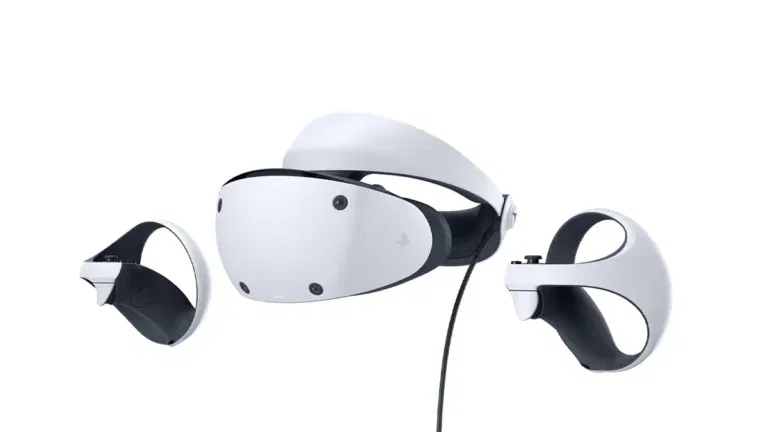
Sony will release the PlayStation VR 2 Steam app on August 6, 2024. This update will let PSVR 2 headset owners play VR games from Steam. This expansion brings the PSVR 2 to PC gamers, making it a significant development.

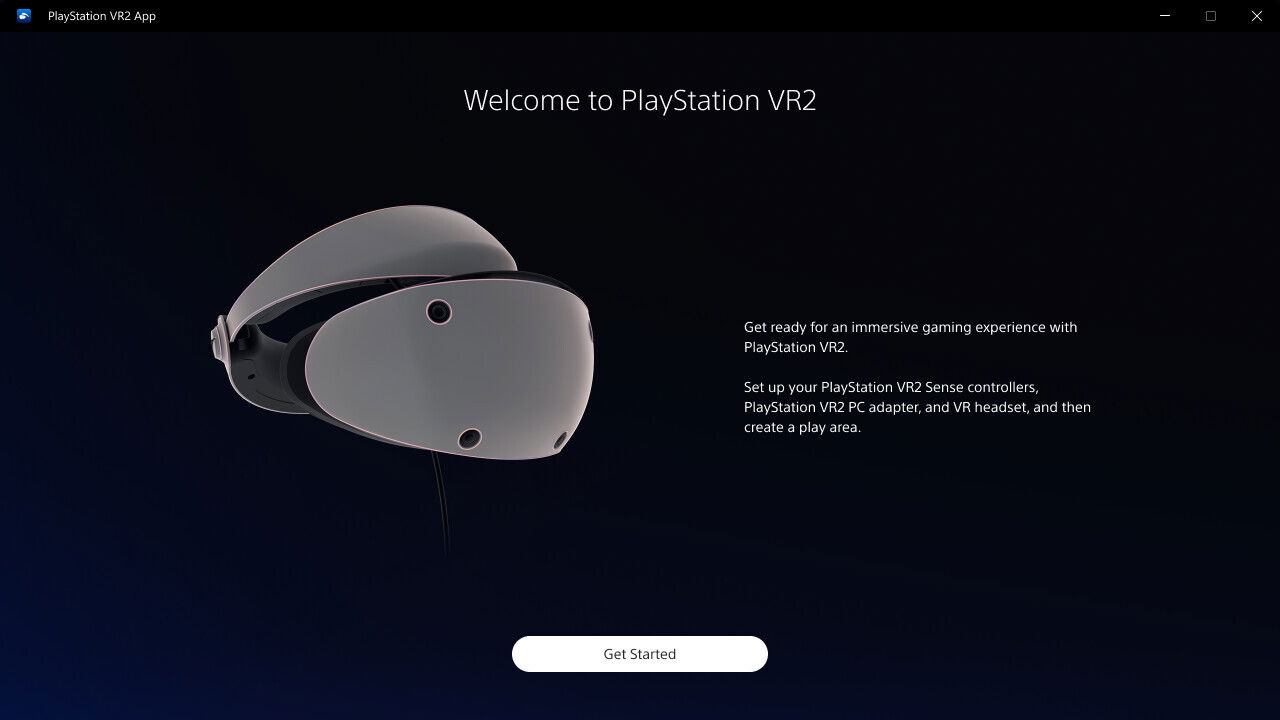
To use the PSVR 2 with Steam, players will need several items. They will need the PSVR 2 headset, PSVR 2 Sense controllers, and the PSVR 2 PC adapter, which costs $60. Additionally, a DisplayPort cable compatible with DisplayPort 1.4 is required. After setup, the PSVR 2 app must stay installed on the PC.
PlayStation VR2 to Support Steam Games Starting August

The Steam app will support 4K visuals, a 110-degree field of view, 3D audio, and finger-touch detection. However, it will not support HDR, headset feedback, eye tracking, adaptive triggers, and haptic feedback.

PlayStation fans have been asking for PC support since the PSVR 2’s launch in 2023. Sony announced the upcoming compatibility in February 2024. On July 25, 2024, a Steam listing revealed the official release date.

This update comes amid some challenges in the VR market. In March, Sony paused production of additional PSVR 2 headsets due to slow demand. Last year, Firewall Zero Hour and Firewall Ultra developer First Contact Entertainment shut down. Sony also laid off 900 developers earlier this year, affecting its VR division.

PlayStation VR2 PS VR2 PSVR2 sony steam VR2
Solomon Thompson
  • Website

Solomon is a full-time student who loves gaming and writing about it. He also enjoys lifting weights and always makes sure to finish a book when he has the time.

Latest Articles

Crunchyroll Announces Winter 2026 Anime Season Lineup

December 16, 2025

Krampus Is Back For Phasmophobia’s Winter Event

December 16, 2025

The State of PC Gaming in 2025: What Worked, What Didn’t, and Why It Still Matters

December 16, 2025

Wake Up Dead Man Review – Knives Straight to the Point

December 16, 2025

Final Fantasy VII Remake Intergrade Demo Arrives On Nintendo Switch 2

December 16, 2025

Hyrule Warriors Age of Imprisonment Getting Another Free Update Soon

December 16, 2025
About Us • Our Team • Contact Us • Privacy Policy • Review Policy
Ethics Policy • Terms of Service • Metacritic • OpenCritic • CriticDB
Ownership & Funding Disclosure • Fact Checking & Corrections Policy • Editorial Policy
Copyright @2025 The Outerhaven Productions

Type above and press Enter to search. Press Esc to cancel.