

Close Menu
  • Latest
  • Help Support Independent Journalism
  • Features
  • Gaming
    • All Gaming
    • Nintendo
    • PlayStation
    • Xbox
    • PC Gaming
    • VR
  • Guides
  • Entertainment
    • All Entertainment
    • Anime & Animation
    • Movies and TV
    • Books
    • Manga & Comics
    • Toys
    • Geek
    • Pop Culture
  • Previews
  • Reviews
    • All Reviews
    • Video Game
    • Anime & Animation
    • Movie & TV
    • Comic Book & Manga
    • Tech & Gear
    • Food
    • Book
    • Toys
    • Tabletop and Card Game
  • Podcasts
    • A-01 Podcast
    • Nintendo Entertainment Podcast
    • Spectator Mode Podcast
  • Contact Us
X (Twitter) YouTube RSS Bluesky Discord

Follow Us

X (Twitter) Instagram YouTube Bluesky Discord
The OuterhavenThe Outerhaven
  • Latest
  • Features
  • Guides
  • Previews
  • Reviews
    • Video Game Reviews
    • Anime & Animation Reviews
    • Comic Book & Manga Reviews
    • Films & TV Reviews
    • Tech Reviews
    • Tabletop & Card Game Reviews
    • Toy Reviews
  • Gaming
    • PlayStation
    • Nintendo
    • Xbox
    • PC Gaming
    • Tabletop & Card Game
    • Virtual Reality
  • Entertainment
    • Anime & Animation
    • Comic Books & Manga
    • Films & TV
    • Original English Light Novels DB
    • OELN DB
    • Pop Culture
    • Books
    • Toys
  • Tech News
  • Podcasts
    • A-01 Podcast
    • Nintendo Entertainment Podcast
    • Spectator Mode Podcast
The OuterhavenThe Outerhaven

Enable Controller Support in Mega Man Battle Network Legacy Collection on PC

By Josh PiedraApril 14, 2023

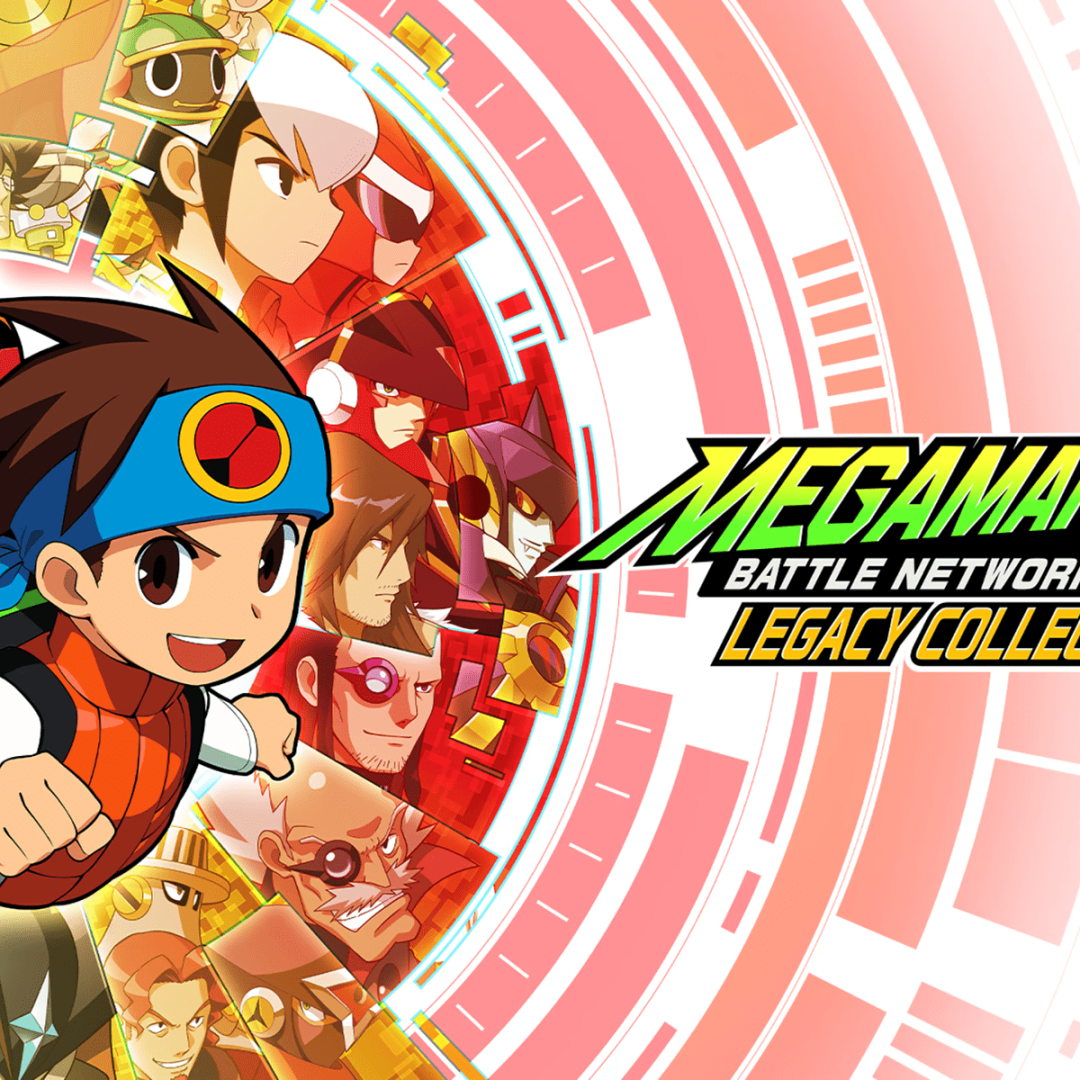
Mega Man Battle Network Legacy Collection launched today, Friday, April 14, 2023, for PlayStation 4, Nintendo Switch, and Steam. If you opted to get the Steam version of the game, there is something peculiar that you may notice once you fire up the game for the first time: the controller doesn’t work.

This is because Mega Man Battle Network Legacy Collection (and this goes for both Volumes 1 and 2) is programmed to read from Steam’s Controller Settings. Even if, for example, a DualShock 4 controller works natively with games, if the specific PlayStation Configuration Support option is not enabled, the game will not recognize your controller.

Thankfully, there is a simple fix for this. Follow these steps to get your controller working:

Fixing controller support Mega Man Battle Network Legacy Collection

  1. Open the Steam Client.
  2. Click on Steam in the menu bar.
  3. Go to Settings.
  4. Go to Controller.
  5. Press the General Controller Settings button.
  6. Use your keyboard to navigate down to the PlayStation Configuration Support (or Xbox Configuration Support or Nintendo Configuration Support) and enable the option.
  7. Close it out and restart the game. Controller support is now enabled.
  8. Have fun.

Now go bust some viruses and delete some evil Net Navis!

Mega Man Battle Network Legacy Collection is currently available for PS4, PS5, Switch, and PC.

capcom controller Mega Man Battle Network Legacy Collection steam Support
Josh Piedra
  • Website
  • Facebook
  • X (Twitter)
  • Instagram

Josh has been an anime fan for nearly twenty years. In addition, he is a light novel author with over 25 books published as well as the owner of Meteora Press, his personal publishing label. Anime and otaku culture isn't Josh's only area of expertise. He also has a Bachelor of Arts in Game Design and has created a handful of independent games along with a deep working knowledge of the gaming industry.

Latest Articles

CRKD Reveals Pre-order Bonuses For The Nitro Deck 2

December 23, 2025

007 First Light Gets Delayed By Two Months

December 23, 2025

The Legend of Aang The Last Airbender Gets Huge Change In Release

December 23, 2025

Avengers: Doomsday Officially Drops Captain America Teaser

December 23, 2025

Bloober Team Teases Mysterious “Project M” Exclusive For Switch 2

December 23, 2025

Kakao Entertainment signs MOUs with Tencent Music, LINE MUSIC to launch ‘K-pop Artist Chart’

December 22, 2025
About Us • Our Team • Contact Us • Privacy Policy • Review Policy
Ethics Policy • Terms of Service • Metacritic • OpenCritic • CriticDB
Ownership & Funding Disclosure • Fact Checking & Corrections Policy • Editorial Policy
Copyright @2025 The Outerhaven Productions

Type above and press Enter to search. Press Esc to cancel.