

Close Menu
  • Latest
  • Help Support Independent Journalism
  • Features
  • Gaming
    • All Gaming
    • Nintendo
    • PlayStation
    • Xbox
    • PC Gaming
    • Card & Tabletop
    • VR
  • Guides
  • Entertainment
    • All Entertainment
    • Anime & Animation
    • Movies and TV
    • Books
    • Manga & Comics
    • Toys
    • Geek
    • Culture
  • Previews
  • Reviews
    • All Reviews
    • Video Game
    • Anime & Animation
    • Movie & TV
    • Comic Book & Manga
    • Tech & Gear
    • Food
    • Book
    • Toys
    • Tabletop and Card Game
  • Podcasts
    • A-01 Podcast
    • Nintendo Entertainment Podcast
    • Spectator Mode Podcast
  • Contact Us
X (Twitter) YouTube RSS Bluesky Discord

Follow Us

X (Twitter) Instagram YouTube Bluesky Discord
The OuterhavenThe Outerhaven
  • Latest
  • Features
  • Guides
  • Previews
  • Reviews
    • Video Game Reviews
    • Anime & Animation Reviews
    • Comic Book & Manga Reviews
    • Films & TV Reviews
    • Tech Reviews
    • Tabletop and Card Game Reviews
    • Toy Reviews
  • Gaming
    • PlayStation
    • Nintendo
    • Xbox
    • PC Gaming
    • Retro Gaming
    • Tabletop
    • Virtual Reality
  • Entertainment
    • Anime & Animation
    • Comic Books & Manga
    • Films & TV
    • Original English Light Novels DB
    • OELN DB
    • Culture
    • Books
    • Toys
  • Tech
  • Podcasts
    • A-01 Podcast
    • Nintendo Entertainment Podcast
    • Spectator Mode Podcast
The OuterhavenThe Outerhaven
Home»News»Gaming News»PC Gaming»How to link your Dauntless Open Beta Account to the Epic Games Store

How to link your Dauntless Open Beta Account to the Epic Games Store

By Keith MitchellMay 23, 2019
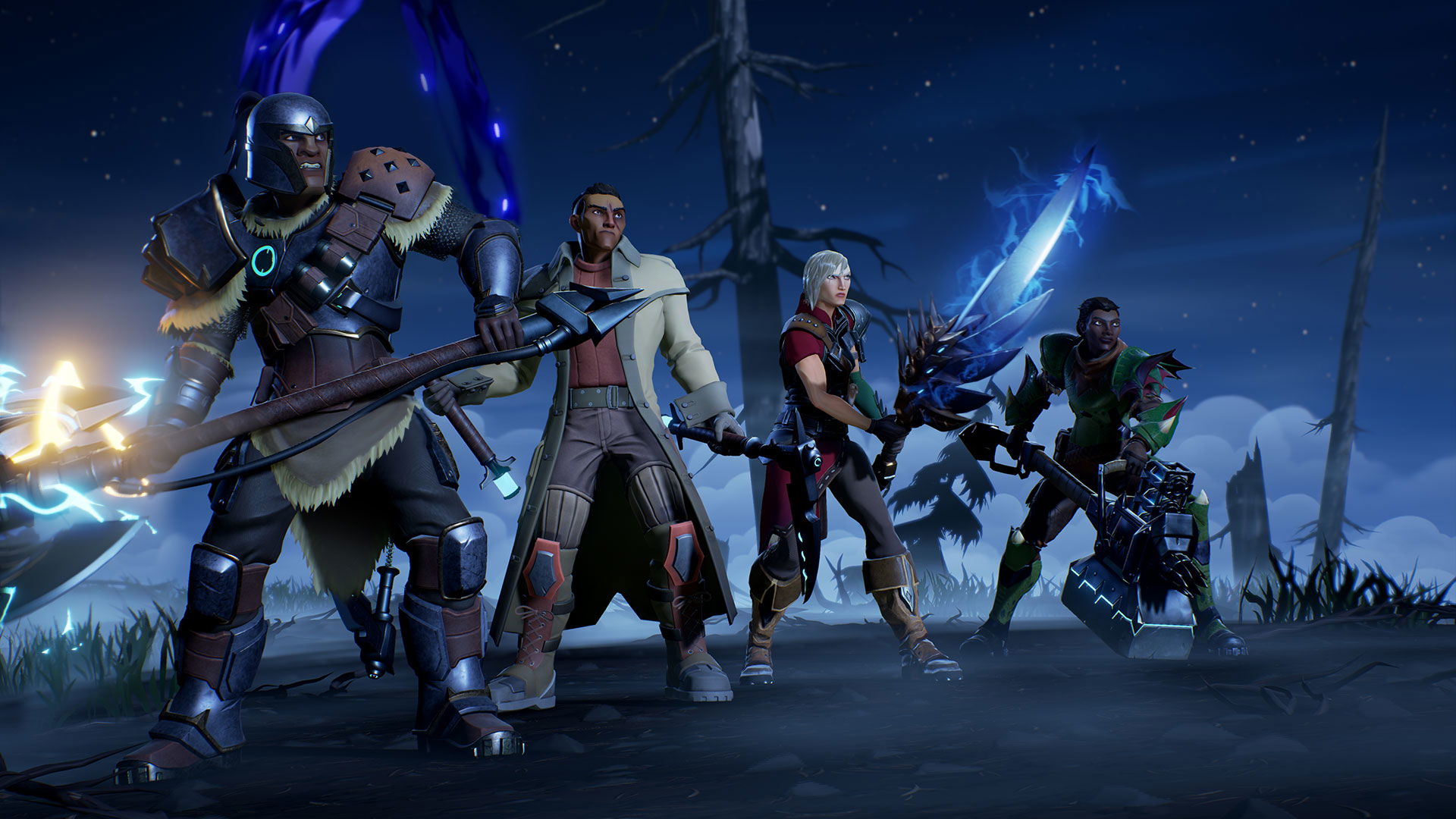
Dauntless players at the ready

Two days ago, Phoenix Labs finally introduced Dauntless, a free to play monster hunting game to the Xbox One and PlayStation 4. They also finally switched launches, ditching their standalone launcher and moving to the Epic Games Store.

Now, I know there’s a number of people who aren’t fans of that however, this isn’t about that. Now, for those of us, like myself, who have been playing Dauntless prior to this. You’ll need to link your account or you’ll lose access to your progress. Thankfully, this progress is straightforward and we’ve explained how to do this in a short video we’ve recorded.

In a nutshell, you’ll need to do the following;

  1. Download Dauntless from the Epic Games Store.
  2. Install Dauntless.
  3. Fire up Dauntless and proceed until you get to the point to link your account.
  4. Click link account, you’ll be given a URL and a code.
  5. Access the URL and enter the code.
  6. After a brief moment, your account will be linked.

Of course, if you want to start brand new, then linking the account won’t be necessary. However, that’s completely up to you.

Dauntless Epic Games Store Free to Play PC Phoenix Labs
Keith Mitchell - Headshot-PS_Gear_400x400
Keith Mitchell
  • X (Twitter)
  • LinkedIn

Keith D. Mitchell is the founder and Editor-in-Chief of The Outerhaven, where he has been covering video games and technology for more than 14 years. A lifelong PC gamer, he began building PCs at just eight years old and still loves talking about hardware as much as playing games. His passion for challenging experiences has made him a devoted Soulslike fan, having beaten nearly every FromSoftware release. Keith regularly attends major gaming and technology events to bring firsthand coverage to readers, and continues to enjoy writing about the games and gear that shaped his love for the industry.

Latest Articles

Wizards of the Coast Reveals First Look at Magic: The Gathering | Marvel Super Heroes

December 10, 2025

Udon Entertainment Announces Release Dates for Mega Man ZX & Mega Man Legends Timelines

December 9, 2025

ABLAZE Enters Partnership with Simon & Schuster

December 9, 2025

Kakao Entertainment Stars Take Over Film and TV at Year’s End

December 9, 2025

BOOK☆WALKER Global Announces Complete Platform Overhaul

December 9, 2025

Under the Oak Tree: Volume 2 (The Novel) Available Now

December 9, 2025
About Us • Our Team • Contact Us • Privacy Policy • Review Policy
Ethics Policy • Terms of Service • Metacritic • OpenCritic • CriticDB
Ownership & Funding Disclosure • Fact Checking & Corrections Policy • Editorial Policy
Copyright @2025 The Outerhaven Productions

Type above and press Enter to search. Press Esc to cancel.